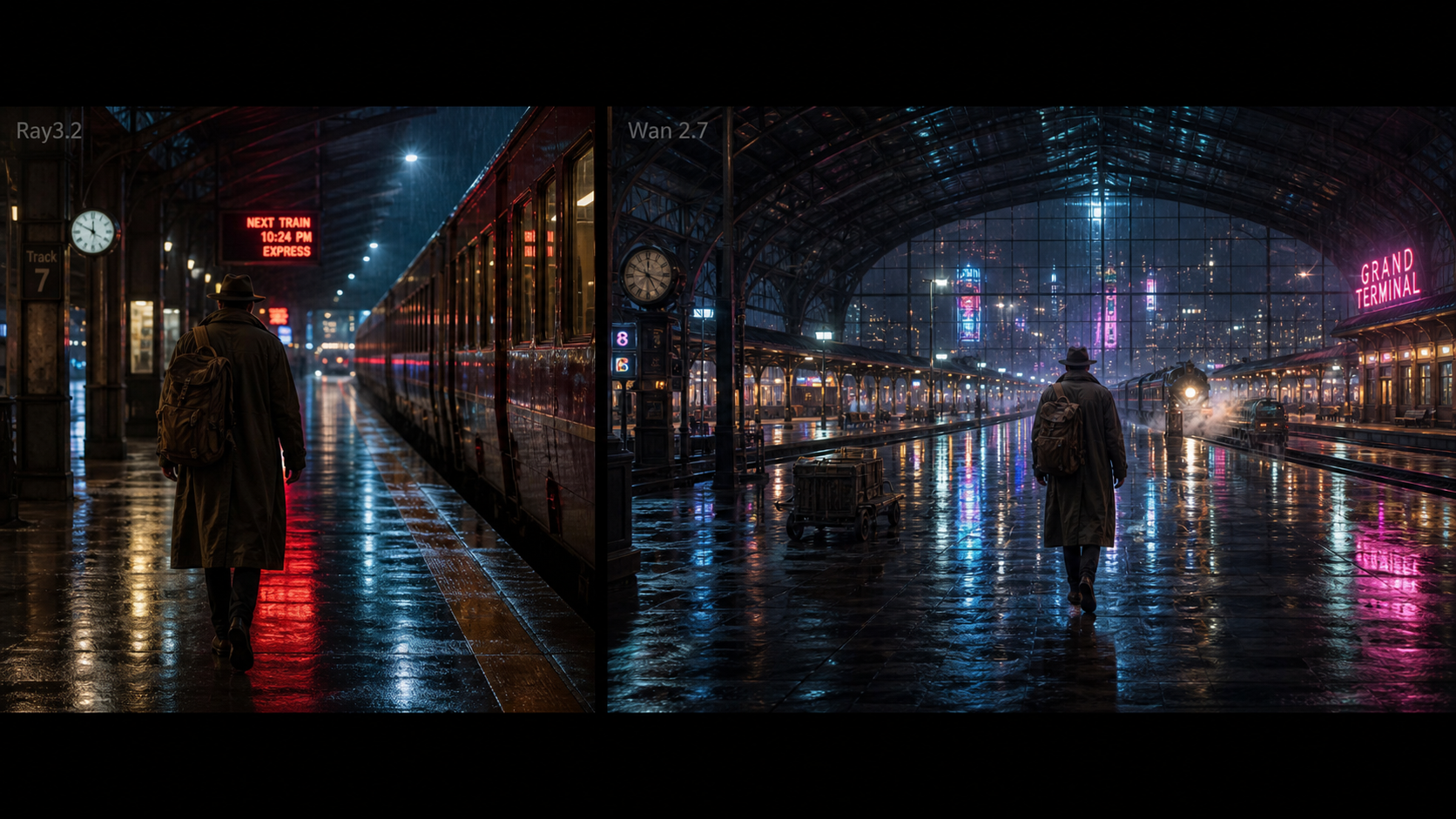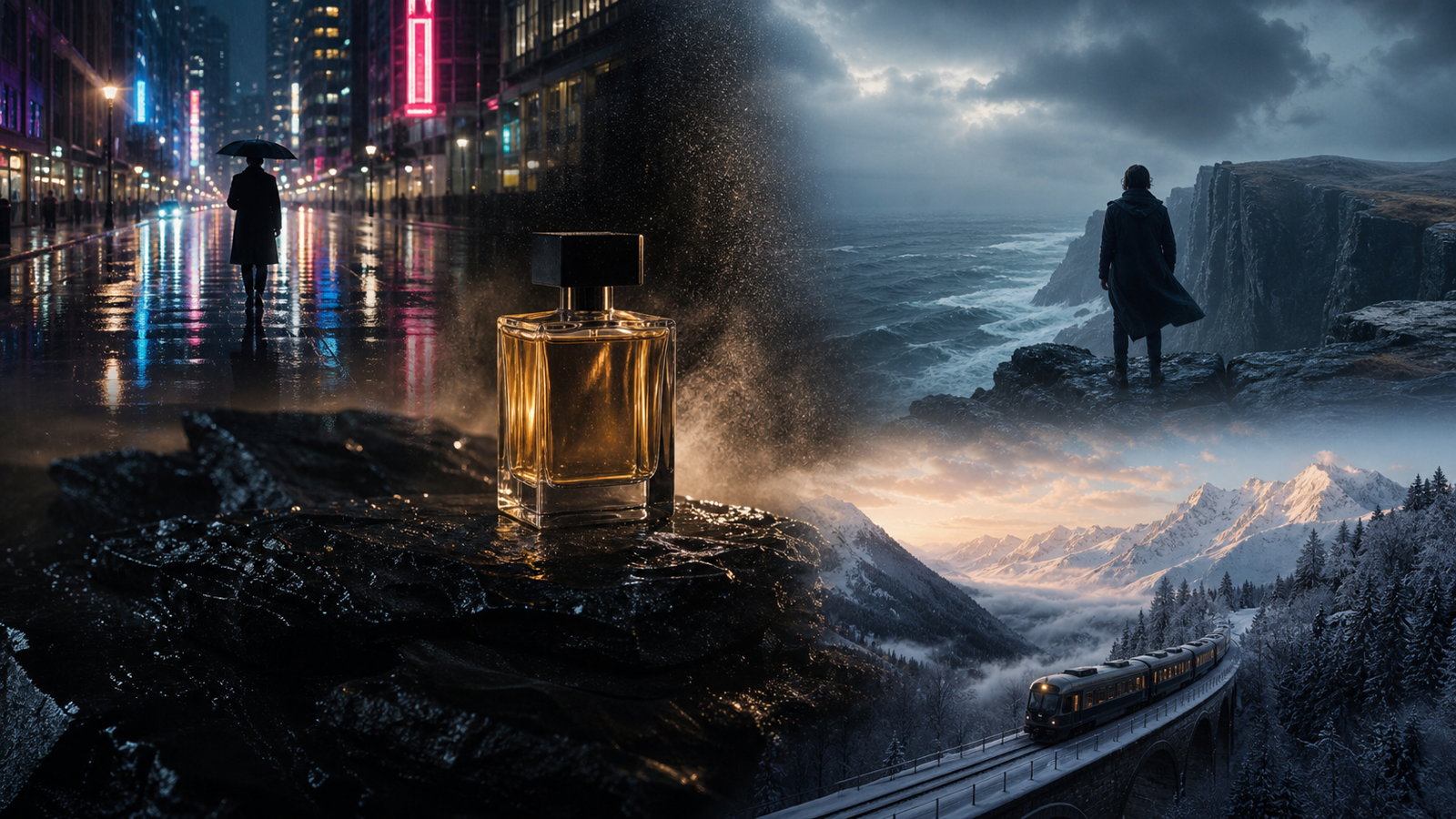
Wan 2.7 matters because AI video is moving beyond “type a prompt and get a short clip.” The real shift is workflow control: stronger reference handling, more directed editing, first-and-last-frame generation, audio-aware creation, and better ways to guide motion over time. For creators, that means the question is not only “Is the new model better?” but “Does it help me make the video I actually need?”
This Wan 2.7 review looks at the latest available public information and compares Wan 2.7 with Wan 2.6, Wan 2.5, and practical creator tools. The short answer: Alibaba Wan 2.7 appears important for creators who need more control, continuity, references, and editing depth. But beginners, social creators, and short-video marketers may still get plenty of value from the simpler Wan 2.5 workflow currently available on DreamMachine AI.
1. What Is Wan 2.7, and Why Are AI Video Creators Talking About It?
Wan 2.7 is part of Alibaba’s Wan video model family, designed for AI video generation and video editing workflows. Earlier AI video tools were often judged mainly by whether they could create a visually pleasing short clip. Wan 2.7 is more interesting because it points toward a more production-minded process: define a shot, guide the motion, preserve references, edit existing material, and use audio or frame controls when the workflow supports them.
For creators, this is a meaningful shift. A social media manager does not only need a pretty moving image. They need a clip that fits a campaign. A product marketer needs the object to remain recognizable. A filmmaker needs the camera movement to make sense. A character creator wants the same person or creature to stay consistent across shots. A brand designer needs style continuity, not a random beautiful accident.
That is why the current Wan 2.7 comparison conversation is less about hype and more about workflow. Wan 2.7 looks like a step toward controlled AI video production, especially for users who already understand prompt structure, image references, camera language, and scene planning.
2. What’s New in Wan 2.7?
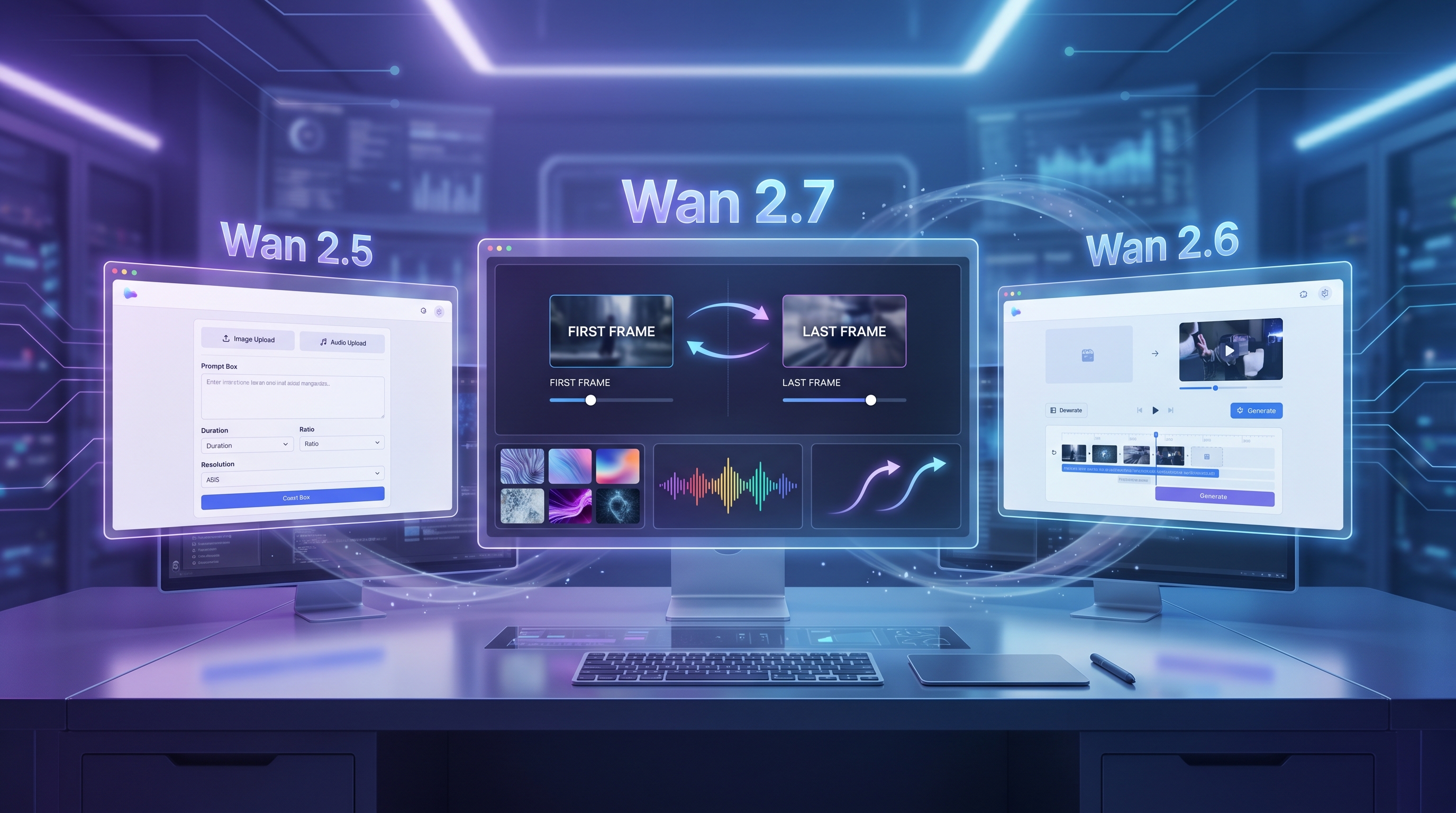
Based on the latest public documentation and available summaries, Wan 2.7 brings several workflow-oriented improvements. The most important reported change is first-and-last-frame control. Instead of only providing the first frame and hoping the model invents a satisfying ending, users can define a starting image and an ending image, then ask the model to generate the transition between them. This is especially useful for product reveals, transformation clips, character movement, and cinematic scene planning.
Wan 2.7 also expands the idea of multimodal video generation. Public API documentation describes text-to-video, image-to-video, reference-to-video, and instruction-based video editing workflows. In creator language, that means you can start from a text prompt, build from an image, use references for consistency, or edit an existing video with instructions when the tool supports that mode.
Audio is another major topic. Public materials describe audio-aware generation and reference voice/audio inputs in some workflows. For creators, the practical value is not that every clip will automatically become a finished film, but that sound, rhythm, and motion can be considered earlier in the process. This matters for music clips, dialogue-like character tests, short ads, and social video experiments.
Multi-reference support is also important. A single reference image can help with one subject, but creator workflows often need more: a character, a costume, a product, a background style, or a visual mood. Wan 2.7’s reference-driven direction suggests stronger support for preserving identity and style across generated clips.
Finally, instruction-based editing may be one of the most practical upgrades. Instead of regenerating a full scene from scratch, a creator can ask for changes such as style conversion, motion adjustment, or replacing certain visual elements, depending on the available tool interface. This is why good Wan 2.7 prompt tips should focus less on poetic wording and more on subject, motion, camera, lighting, pacing, reference logic, and output goal.
3. Wan 2.7 vs Wan 2.6 vs Wan 2.5
Wan 2.5, Wan 2.6, and Wan 2.7 should not be treated as identical tools with bigger version numbers. They fit different user needs. Wan 2.5 is still useful when you want fast short clips, simple image-to-video experiments, prompt-to-video concepts, and basic audio-supported workflows. Wan 2.6 is often discussed as a stronger middle step for motion reliability and baseline quality. Wan 2.7 is more about deeper control, references, continuity, and editing potential.
| Model | Best For | Strengths | Trade-Offs | Best User Type |
|---|---|---|---|---|
| Wan 2.7 | Controlled AI video workflows | First-and-last-frame control, reference-driven creation, instruction editing, audio-aware workflows, stronger continuity potential | May require better prompts, cleaner references, and more planning | Advanced creators, filmmakers, brand teams, workflow testers |
| Wan 2.6 | Stronger baseline AI video generation | Better motion reliability than older tools, useful for more polished short clips | Less workflow depth than Wan 2.7 | Creators who want quality improvements without complex production planning |
| Wan 2.5 | Fast Wan-style short video creation | Accessible, practical, useful for motion, rhythm, prompt testing, image upload, and audio-supported clips | Less advanced control than newer reported Wan workflows | Beginners, social creators, marketers, quick testers |
| DreamMachine AI Wan 2.5 workflow | Practical creation on a web platform | Image upload, MP3 audio upload, prompt optimization, model type, resolution, duration, ratio, and simple generation controls | Should not be described as direct Wan 2.7 access unless confirmed | Users who want to create now rather than wait for the newest model |
The real decision is simple: if you need controlled continuity, multi-reference planning, or instruction editing, Wan 2.7 is worth watching closely. If you need a quick social clip, product motion test, or short visual idea, a Wan AI video generator based on Wan 2.5-style workflows may already be enough.
4. Where DreamMachine AI Fits Right Now
DreamMachine AI is best positioned as a practical creator platform, not as an official Wan 2.7 access point unless the current site explicitly confirms that. Right now, its direct Wan-related tool is the Wan 2.5 AI Video Generator, which is useful for creators who want a simpler way to test Wan-style video ideas.
The live Wan 2.5 workflow on DreamMachine AI includes image upload, MP3 audio upload, prompt input, prompt optimization, model type, resolution, duration, ratio, and generation controls. That makes it valuable for everyday short video work: upload a subject image, describe the motion, add audio if needed, choose the output direction, and generate a clip without building a technical pipeline.
This matters because not every creator needs the newest model to get a useful result. A TikTok creator may need five versions of a product reveal. A small business owner may need a quick animated visual for an ad. A designer may want to test whether a still image has motion potential. For those users, a practical AI video generator can be more useful than waiting for a more advanced model they cannot easily access.
DreamMachine AI also supports adjacent workflows. Use Image to Video AI when you already have a still image and want to animate it. Use Photo to Video AI when your starting point is a product photo, portrait, old image, or branded visual. Use Text to Video AI when you want to start from a written scene rather than an uploaded image.
5. Wan 2.7 vs Other AI Video Models
Wan 2.7 should be compared by workflow, not by unsupported claims that one model is always “best.” Different AI video models serve different creative goals.
The Veo 3.1 AI Video Generator is a strong fit for creators thinking in cinematic prompts, complex scene descriptions, and polished video direction. The Kling AI Video Generator is often useful for image-to-video and motion-heavy scenes, especially when a creator wants visible action from a still source. The Pixverse AI Video Generator can be attractive for fast creator-friendly video generation and social-first testing.
The Vidu AI Video Generator is useful for stylized video and image animation workflows, while the Luma Ray2 AI Video Generator fits creators who care about cinematic movement, photo-to-video direction, and atmosphere. Wan 2.7’s possible edge is not simply visual beauty; it is the way reference, editing, first-and-last-frame control, and audio-aware generation can support a more controlled production process.
6. Best Use Cases for Wan 2.7-Style AI Video
Wan 2.7-style workflows are especially promising for creators who need continuity. Social media clips can benefit from clear motion arcs and stronger pacing. Cinematic scene tests can use first-and-last-frame control to define where a shot starts and ends. Product demos can preserve the object better when reference inputs are clean. Character-driven video can become more practical if identity and motion remain consistent.
Music video concepts are another strong use case, especially when audio-aware generation is available. UGC-style ads can use short scenes with simple human motion, product handling, and natural camera direction. Storyboarding can become faster because creators can generate visual motion tests before committing to a full production plan. Brand mood videos can use repeated references to keep color, tone, and product identity aligned.
Still, Wan 2.7 may be overkill for simple needs. If you only want a quick moving background, a short product clip, or a social teaser, a simpler DreamMachine AI workflow can be faster. Advanced control is valuable only when you know what you want to control.
7. Final Verdict: Is Wan 2.7 Worth the Hype?
Wan 2.7 looks important because it pushes AI video toward more controlled, production-minded workflows. The most meaningful improvements are not just sharper visuals; they are first-and-last-frame planning, reference-based consistency, instruction editing, audio-aware generation, and better continuity logic.
But creators should stay practical. Do not switch tools only because a version number is newer. If your work depends on careful character consistency, cinematic transitions, video editing, or reference-driven production, Wan 2.7 is worth following closely. If you are making short social clips, product motion tests, simple ads, or quick creative drafts, DreamMachine AI’s Wan 2.5 workflow may already be a useful starting point.
The best approach is to match the tool to the job. Use advanced Wan 2.7-style workflows when control matters. Use simpler DreamMachine AI tools when speed, iteration, and beginner-friendly creation matter more.
Wan-Style AI Video Prompt Examples to Test
1. Cinematic First-Frame-to-Last-Frame Scene Prompt
If your tool supports first-and-last-frame control, use the first image as a quiet rainy street at night and the last image as the same street glowing with sunrise. Generate a smooth 10-second cinematic transition. Camera slowly pushes forward, rain fades, warm light appears on wet pavement, realistic reflections, soft atmosphere, hopeful mood, no text, output for a short film concept.
2. Product Image-to-Video Ad Prompt
Animate the uploaded product image into a polished 6-second ad. The camera slowly circles the product from left to right, soft studio lighting reveals material texture, subtle particles move in the background, product remains sharp and centered, premium commercial style, clean pacing, no extra logos, output for a social media product launch.
3. Character Motion Consistency Prompt
Use the uploaded character reference as the main subject. Generate a short scene where the character walks through a neon city alley, turns toward the camera, and gives a small confident smile. Maintain the same face, outfit, hair, and body proportions throughout. Smooth handheld camera, cinematic lighting, realistic motion, no text, output for a character video test.
4. UGC Social Clip Prompt
Create a realistic UGC-style phone video of a creator holding a small skincare bottle near a bathroom mirror. Natural handheld camera movement, casual morning lighting, authentic expression, product clearly visible, slight background blur, friendly and believable mood, no polished commercial look, output for a short vertical ad.
5. Music Video Concept Prompt
If your tool supports audio sync, use the uploaded beat as rhythm guidance. Generate a 10-second music video shot of a dancer moving under blue and purple stage lights. Camera alternates between medium shot and close-up, movement follows the beat, light beams pulse subtly, energetic but elegant mood, no extra dialogue, output for a music video concept.
6. Realistic Human Moment Prompt
Generate a quiet realistic scene of an elderly man sitting by a kitchen window, smiling as he watches sunlight move across a family photo on the table. Slow camera push-in, warm natural light, subtle hand movement, gentle emotional mood, documentary realism, no melodrama, output for a heartfelt storytelling clip.
Recommended DreamMachine AI Tools for Wan-Style Video Workflows
- Wan 2.5 AI Video Generator — practical for Wan-style short clips with image upload, audio upload, prompt optimization, duration, resolution, and ratio controls.
- Image to Video AI — useful when you already have a still image and want to animate it into a clip.
- Photo to Video AI — helpful for turning product photos, portraits, and static images into motion concepts.
- Text to Video AI — good for starting from a written scene or prompt-to-video workflow.
- Veo 3.1 AI Video Generator — worth testing for cinematic and prompt-heavy video generation.
- Kling AI Video Generator — useful for image-to-video motion and action-based visual experiments.
- Pixverse AI Video Generator — practical for fast social video tests and creator-friendly generation.
- Vidu AI Video Generator — useful for stylized video and animated image workflows.
- Luma Ray2 AI Video Generator — helpful for cinematic movement, atmosphere, and photo-to-video concepts.
- AI Music Generator — useful when you want music or rhythm ideas before building video prompts.
- Nano Banana Pro AI — helpful for creating or refining image assets before video generation.
- Seedream 4.5 AI — useful for generating polished still images that can become video starting frames.
- Flux AI Image Generator — practical for fast image creation, concept art, and visual references.
Related Articles
- Wan 2.7 Prompt Tips for More Human and Realistic AI Videos
- Wan 2.7 vs Wan 2.6 vs Wan 2.5: What Changed and How to Use It
- Wan 2.5 AI Video Workflow for Fast Short Clips
- DreamMachine AI Image-to-Video Guide for Creators
- Veo 3.1 Video Generation Guide for Cinematic Prompts
- Kling 3.0 Review for Image-to-Video Motion
- PixVerse V6 Video Guide for Creator-Friendly Results
- Seedance 2.0 Video Generation Guide for Dynamic Clips
- Seedream 5.0 Lite vs Seedream 4.5 for Image Creation
- AI Hugging Video Guide for Emotional Photo Animation
People Also Read
- How to Compare AI Video Models for Creative Workflows
- Image-to-Video Prompting Tips for Social Video Creators
- AI Image and Video Creation Ideas for Brand Campaigns
- How AI Music Can Improve Short Video Concepts
- API Model Access Ideas for Advanced Video Automation
- AI Model Updates and Creator Tool Comparisons
- UGC Video Prompt Ideas for Ads and Product Marketing
- AI Chat and Image Tools for Creative Planning
- Virtual Try-On Visual Workflows for Fashion Content