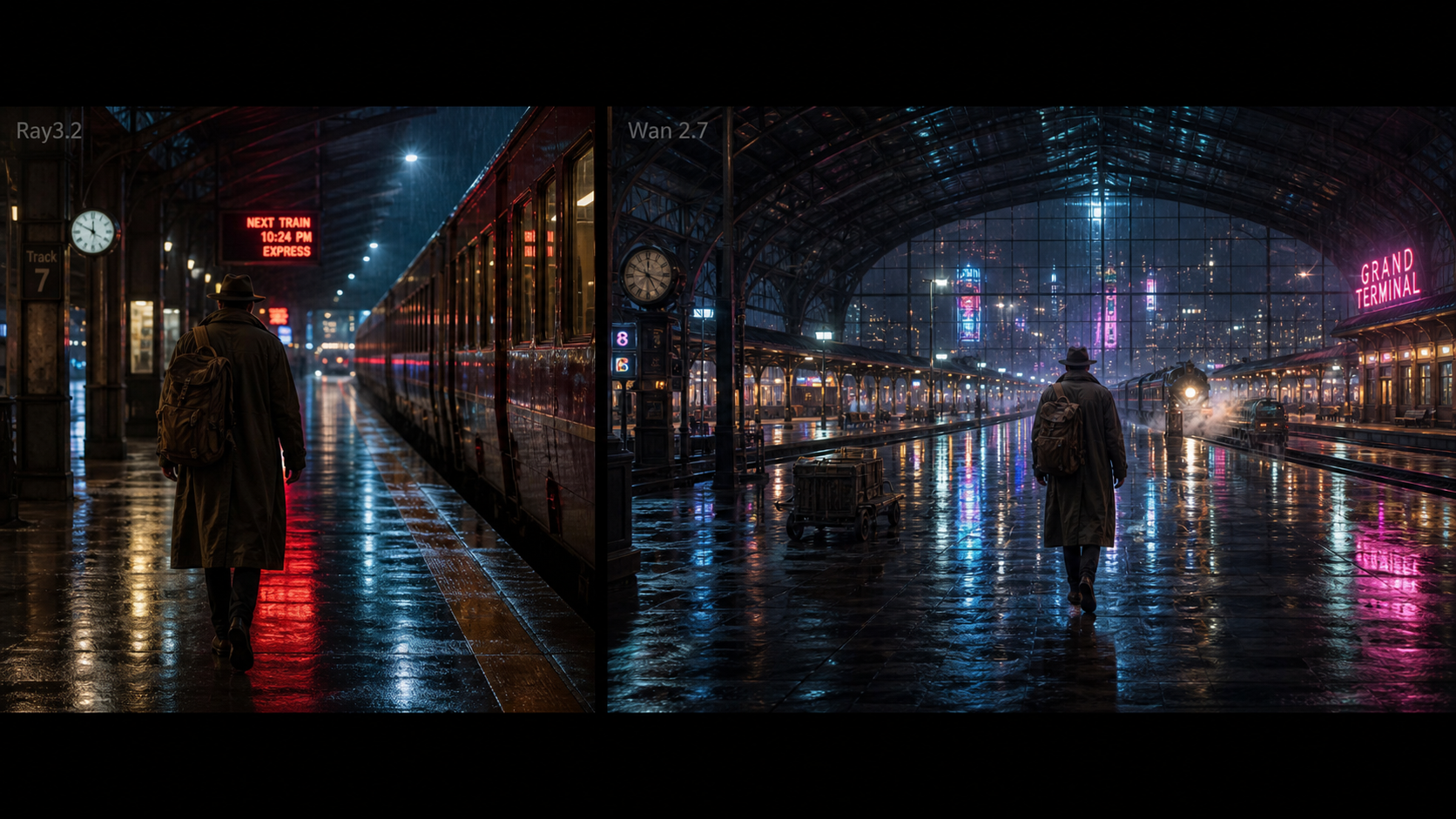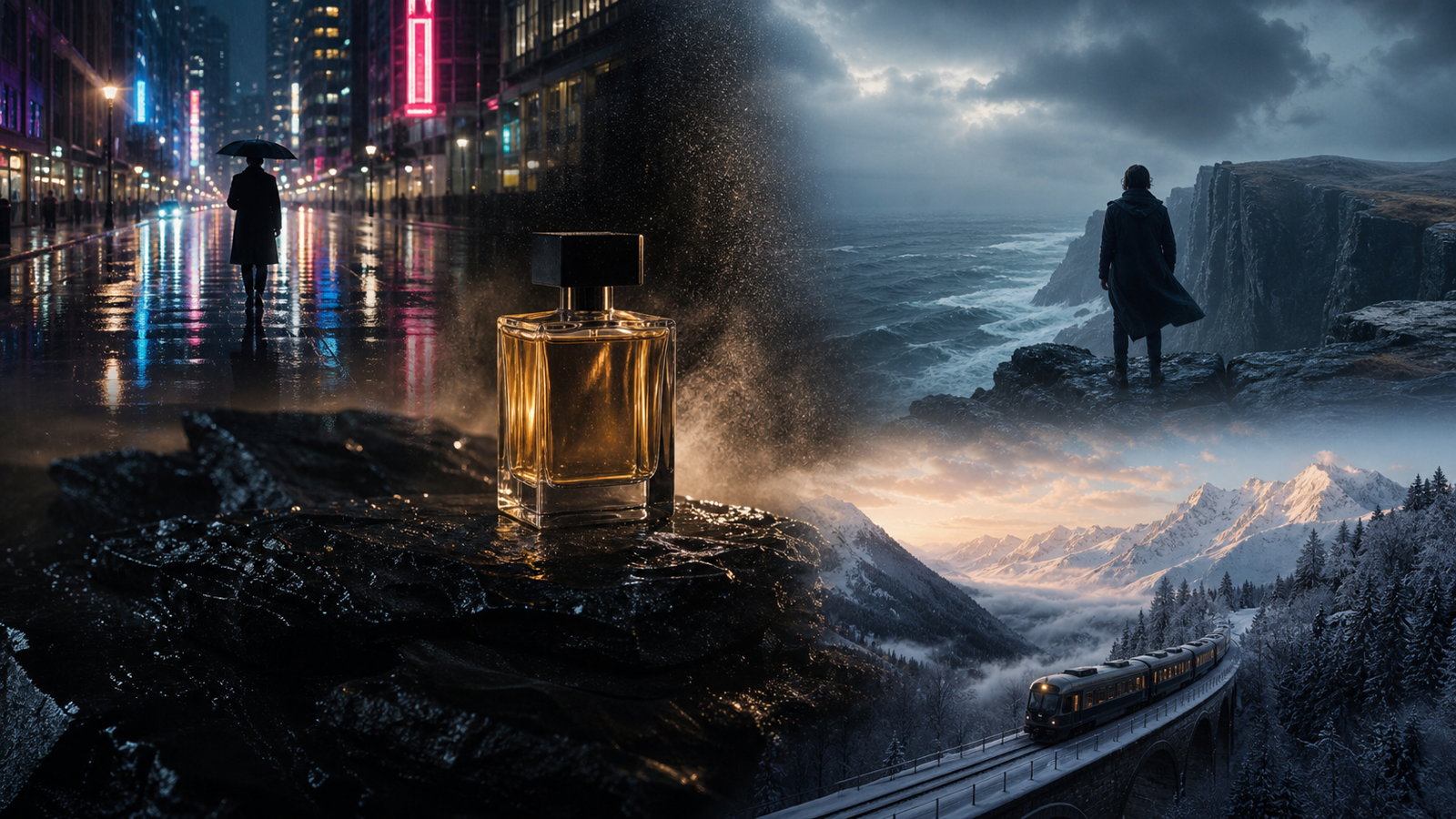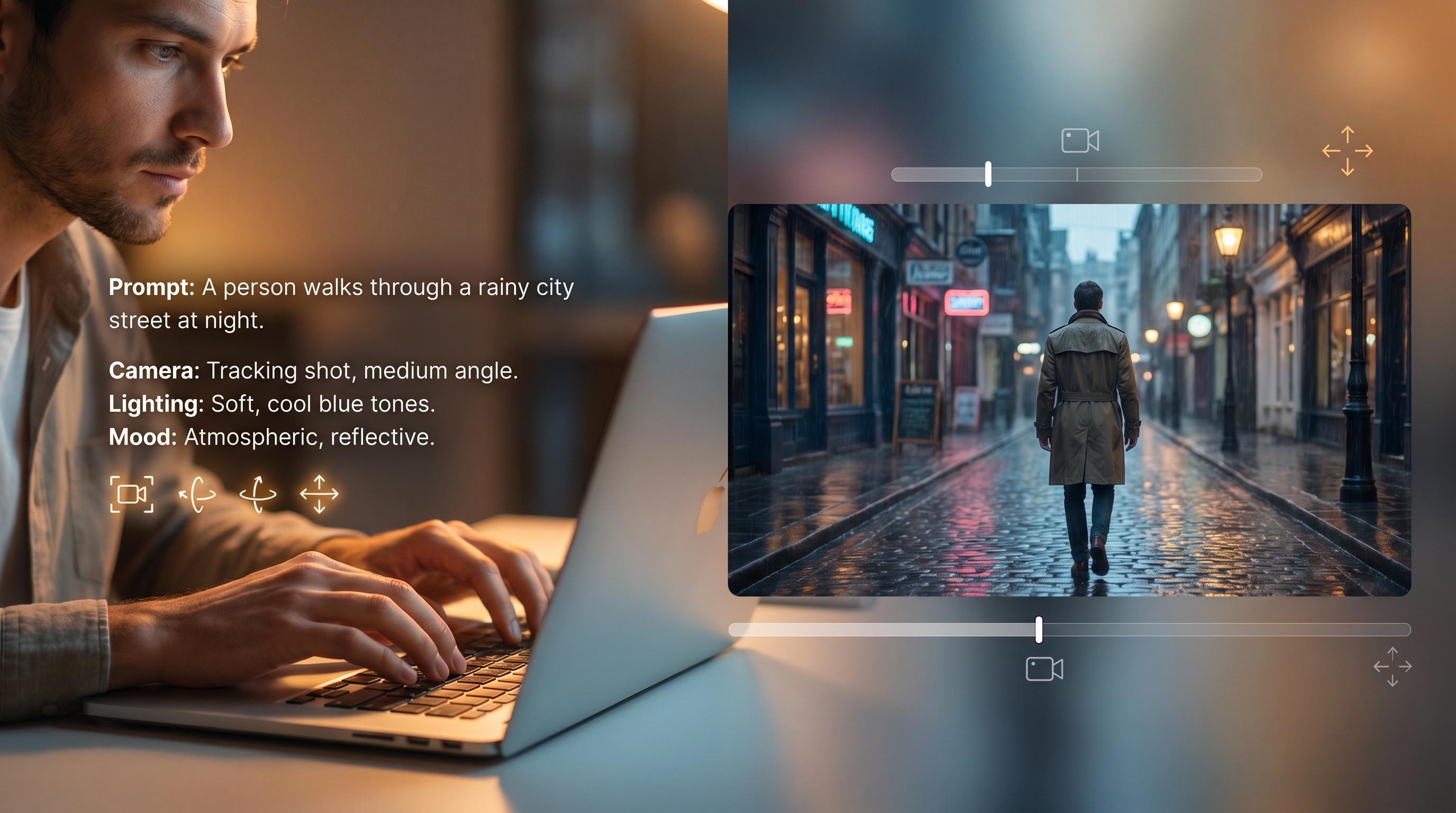
AI video models are getting stronger, but the best results still depend on how you prompt them. A weak prompt can make even an advanced model produce stiff motion, strange expressions, or scenes that feel too synthetic. A better prompt gives the model a small, believable moment to perform.
That is especially important when working with Wan-style video generation. Whether you are testing a Wan 2.7 open source workflow, experimenting with image-to-video animation, or using a browser-based tool for social content, your goal should not be to describe a whole movie. Your goal is to direct one clear, human moment.
A realistic AI video prompt works more like a short director’s brief. It tells the model who is in the scene, what they are doing, how they feel, where they are, how the camera moves, and what kind of motion should look natural. The more grounded your prompt is, the more likely the output will feel believable.
Start With One Clear Human Action
The most common mistake in AI video prompting is asking for too much at once. A prompt like “a cinematic story of a woman traveling through a futuristic city and discovering her destiny” may sound exciting, but it gives the model too many ideas and not enough physical detail.
For realistic results, start with one action. A person opens a café door. A traveler turns toward the ocean. A chef places a dish on a table. A model adjusts a jacket. A musician lowers a violin after playing the last note.
This kind of action is easier for a wan 2.7 ai video generator to interpret because it has a clear beginning, movement, and emotional beat. Instead of forcing the model to invent everything, you guide it toward one short scene that can happen naturally in a few seconds.
A useful structure is:
Subject + Action + Emotion + Setting + Camera + Lighting + Realism Details
For example:
A young woman in a beige trench coat slowly walks through a rainy city street at night, glancing up at neon signs with a tired but hopeful expression. Medium shot, gentle handheld camera, soft reflections on wet pavement, natural walking rhythm, subtle breathing, realistic motion blur, cinematic but grounded.
The prompt is simple, but it has enough direction. It tells the model what matters: the woman, the walk, the emotion, the rain, the camera, and the mood.
Add Micro-Movements to Make People Feel Alive
Humanized AI video is not only about sharp image quality. It is about small movements. People blink. They shift their weight. Their eyes move before their heads turn. Their hands hesitate before touching an object. Their clothes react slightly to body motion or wind.
When you want a realistic result, add these micro-movements directly into the prompt. Do not just write “a man looks sad.” Write what sadness physically does in the scene.
For example:
A man sits alone at a kitchen table in the morning, holding a cup of coffee with both hands. He looks down for a moment, slowly exhales, then glances toward the window. Static medium shot, natural morning light, quiet realistic mood, subtle facial expression, no dramatic acting.
This is more useful than a vague emotional description because it gives the model visible behavior. A good Wan 2.7 prompt should show emotion through action, not just label the emotion.
Useful phrases include “pauses before reacting,” “blinks naturally,” “shifts weight from one foot to the other,” “breathes softly,” “slightly adjusts posture,” and “looks away before smiling.” These details help reduce the rubbery, over-performed look that often makes AI video feel artificial.
Use Image-to-Video Prompts to Preserve Identity and Add Controlled Motion
If you already have a strong image, image-to-video is often the better route. A still image gives the model a clear subject, outfit, face, composition, and lighting. Your prompt should then focus on motion rather than re-describing the whole image.
A good Wan 2.7 image to video prompt usually has three jobs: preserve what is already good, animate only what should move, and prevent the model from changing the identity or background.
Try this structure:
Preserve + Animate + Camera Motion + Environment Motion + Avoid
For example:
Preserve the person’s face, hairstyle, outfit, and background composition from the image. Animate her with natural blinking, a gentle smile, and a small head turn toward the window. The camera slowly pushes in. Curtains move slightly in the breeze. Keep the lighting soft and realistic. Avoid facial distortion, sudden outfit changes, and exaggerated expressions.
This works because it gives the model boundaries. It does not ask for wild movement. It treats the image as the first frame and adds life carefully.
For portraits, small motion is usually better than dramatic action. For product shots, use slow turns, hand placement, label visibility, and controlled camera movement. For character art, preserve the face and costume first, then animate only the eyes, hair, clothes, or background atmosphere.
Write Camera Direction Like a Human Creator
Camera movement can make AI video look cinematic, but too much camera language can ruin the scene. A prompt that asks for a drone shot, dolly zoom, handheld camera, macro lens, fast orbit, and slow motion all at once will likely confuse the output.
Choose one camera behavior per clip.
If the subject is moving, keep the camera simple. If the camera is moving, keep the subject action simple. This balance is one of the easiest ways to improve realism.
For a grounded scene, try “static camera,” “medium shot,” or “documentary-style framing.” For a more cinematic scene, try “slow push-in,” “gentle tracking shot,” or “smooth side follow.” For UGC-style videos, try “phone camera,” “slight handheld movement,” and “natural indoor light.”
For example:
A creator holds a skincare bottle near a bathroom mirror, turns it slightly toward the camera, and smiles naturally. Phone-camera style, slight handheld movement, soft indoor lighting, clear product label, casual morning routine mood, realistic hand motion.
This kind of prompt is especially useful for social ads, TikTok-style clips, product demos, and lifestyle videos. It feels less like a fake commercial and more like a real creator moment.
Control Lighting, Texture, and Realism Words
Lighting can make or break an AI video. If the prompt only says “cinematic,” the model may produce glossy skin, over-dramatic contrast, or fantasy lighting that does not match the scene. When realism matters, use specific lighting words.
Good options include “soft morning light,” “natural window light,” “overcast daylight,” “warm sunset light,” “fluorescent office lighting,” “soft studio light,” or “streetlight reflections.” These phrases help the model create an environment that feels physically believable.
Texture also matters. For human realism, add details like “natural skin texture,” “realistic fabric movement,” “subtle hair movement,” “soft shadows,” and “realistic motion blur.” Avoid pushing everything toward perfection. Real life has small imperfections, uneven movement, and environmental noise.
When using a Wan 2.7 open source workflow or a hosted Wan-style tool, it is better to describe the type of realism you want instead of relying on generic quality tags. “Natural indoor light and realistic hand motion” is usually more useful than simply writing “ultra realistic 8K masterpiece.”
Use Negative Prompting and Revision Notes
Even strong AI video models can create unwanted artifacts: warped hands, unstable faces, sudden outfit changes, floating movement, flickering backgrounds, or over-smooth skin. Negative prompts help reduce these problems.
Useful negative prompt terms include:
- no extra fingers
- no distorted hands
- no melting face
- no sudden identity change
- no random outfit change
- no floating body movement
- no plastic skin
- no exaggerated smile
- no shaky background
- no random camera cuts
After generating your first result, do not rewrite everything at once. Look for the weakest part and revise that specific issue.
For example:
Keep the same character and scene, but make the movement slower and more natural. Stabilize the background, reduce facial exaggeration, keep the hands anatomically correct, and make the lighting less glossy.
This revision style is practical because it treats prompting as a process. The first prompt creates the scene. The second prompt improves the weak points. That is often how you get from “interesting AI video” to “usable creator video.”
Simple Workflow for Better Wan 2.7 Results
Start with one idea. Decide the subject, the action, and the emotional tone. Add the setting, then choose one camera movement. Add lighting and micro-motion details. Finally, add negative prompt terms to prevent common AI artifacts.
A simple workflow looks like this:
- Choose one short scene.
- Define one main subject.
- Give the subject one clear action.
- Add natural human details: blinking, breathing, pauses, posture, eye movement.
- Choose one camera style.
- Add realistic lighting and texture.
- Add negative prompts.
- Generate, review, and revise one issue at a time.
This approach works because it respects the limits of short AI video. A few seconds can still feel emotional, cinematic, or commercial, but only when the prompt gives the model something specific and physically believable to perform.
Prompt Examples for Wan 2.7-Style Realistic Video
1. Realistic Portrait Motion
Preserve the subject’s identity, face shape, hairstyle, and outfit. The subject slowly turns their head toward the camera, blinks naturally, and gives a small relaxed smile. Soft natural light, shallow depth of field, stable camera, realistic skin texture, subtle clothing movement, no facial distortion, no sudden expression change.
2. Cinematic Walking Scene
A young traveler walks slowly along a quiet coastal road at golden hour, holding a small backpack strap and looking toward the ocean. Medium-wide shot, slow tracking camera, warm sunlight, wind gently moving hair and clothing, realistic walking rhythm, grounded body weight, natural expression.
3. UGC Product Clip
A creator holds a skincare bottle near a bathroom mirror, turns it slightly toward the camera, and smiles naturally. Phone-camera style, soft indoor lighting, realistic hand movement, clear product label, casual morning routine mood, no over-polished commercial look.
4. Emotional Story Beat
An elderly man sits on a park bench, opens an old letter, pauses, and smiles with quiet nostalgia. Static medium shot, soft afternoon light, gentle wind in the trees, realistic hand tremor, subtle facial emotion, cinematic but natural.
5. Image-to-Video Animation
Use the uploaded image as the first frame. Preserve the character, outfit, lighting, and background. Animate only subtle motion: blinking, breathing, a small head turn, and soft hair movement. Slow camera push-in, realistic facial proportions, no identity drift, no sudden background changes.
Recommended DreamMachine AI Models and Tools
For creators who want to test Wan-style video prompts in a simpler browser workflow, DreamMachine AI is a practical place to start. Its Wan model page is useful for exploring short-form generation, image-to-video ideas, action rhythm, and prompt-based motion control.
Recommended tools and models include:
- Wan 2.5 AI Video Generator — a useful option for testing Wan-style motion, short-form video prompts, and realistic action pacing.
- Image to Video — ideal for animating portraits, product images, concept art, social posts, and cinematic stills.
- Photo to Video — useful for turning still photos into gentle motion clips, memory-style videos, and character moments.
- AI Hugging Video Generator — suitable for emotional short videos, social sharing, family-style clips, and heartwarming scenes.
- AI Music Generator — helpful when you need simple background music to support the mood of an AI video.
- Veo 3.1 AI Video Generator — worth trying when comparing premium cinematic video styles.
- Kling AI Video Generator — useful for strong subject movement, dramatic motion, and cinematic experiments.
- Luma Ray2 AI Video Generator — good for lighting-focused, cinematic short clips and realistic scene movement.
Related Article
- WAN 2.6 vs WAN 2.5: What’s New, What’s Better, and Which One to Use
- Try Veo 3.1 in Dream Machine AI: A Practical Guide to Text-to-Video and Image-to-Video Creation
- Veo 3.1 vs Luma Ray2: Which AI Video Model Fits Your Workflow?
- Kling 3.0 Review: Is It the Right AI Video Tool, or Should You Start Simpler?
- How to Create a Heartwarming AI Hug Video
People Also Read
- Seedance 2.0 Prompt Tips for More Human, Realistic AI Video
- How to Use HeyDream AI’s Text-to-Video Generator
- How to Use the AI Music Video Generator: A Detailed Guide from Song to Video
- AI Music Generator for Music Creators: How to Turn Ideas Into Finished Tracks
- Image to Video AI Generator
- Seedance 2.0 AI Video Generator
- Vidu Q3 AI vs Kling 3.0: Which AI Video Model Should You Use?