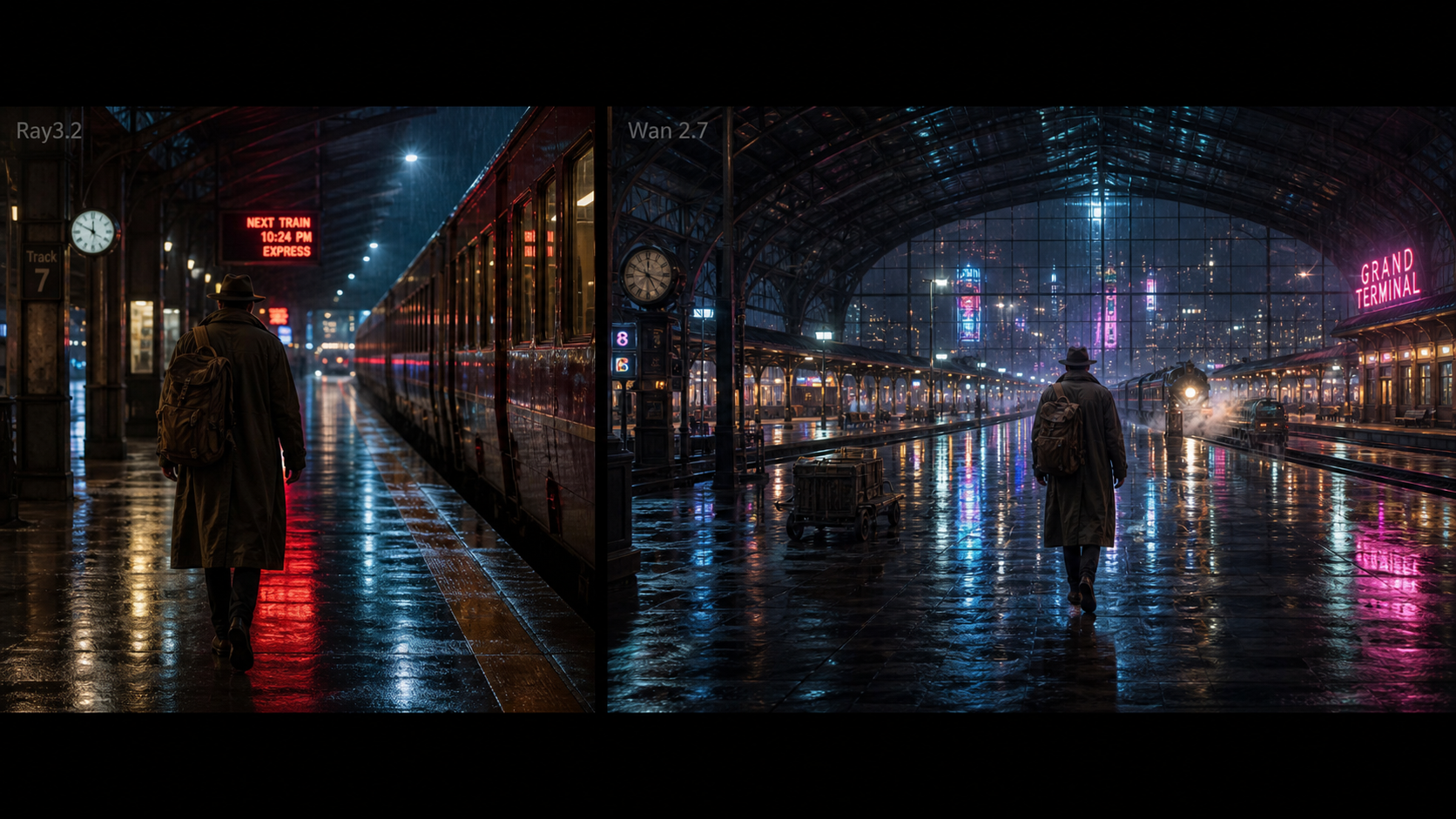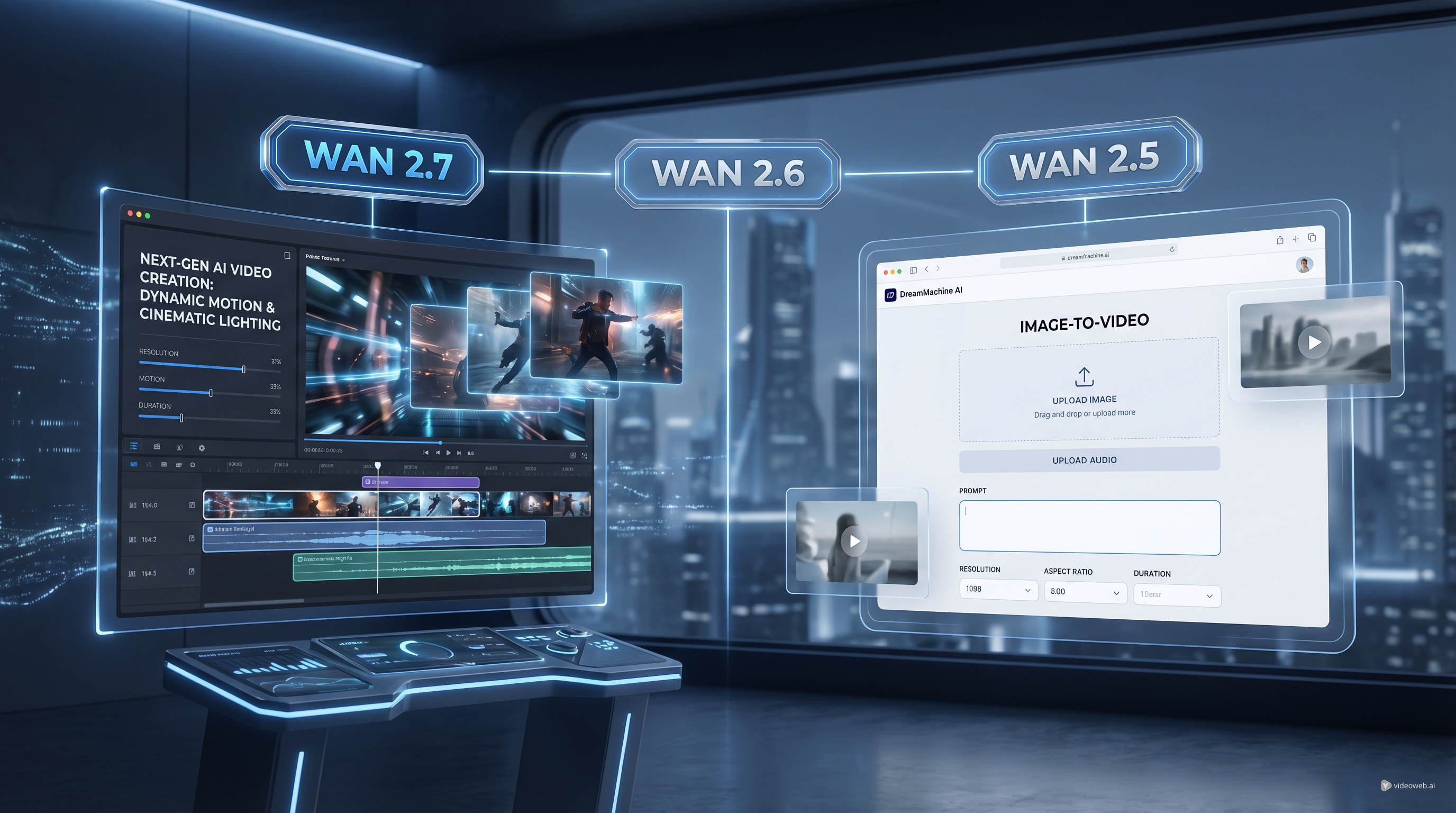
If you follow AI video tools closely, the arrival of Alibaba Wan 2.7 is one of those updates that immediately gets people asking the same three questions: What is actually new, how different is it from Wan 2.6, and is Wan 2.5 AI still worth using today?
The good news is that the answer is more practical than complicated. Wan 2.7 matters because it pushes the Wan family beyond basic generation and toward a more flexible video workflow. At the same time, not every creator needs the newest version on day one. For many everyday projects, Wan video AI tools built around Wan 2.5 still make a lot of sense, especially if you want a simple interface and a fast way to turn an image, prompt, and optional audio track into a usable clip.
In this guide, we will look at what the Wan 2.7 release means, where it stands against Wan 2.6 and Wan 2.5, and how you can still use Wan 2.5 video AI on DreamMachine AI for real projects right now.
Why Wan 2.7 Feels Like a Bigger Release Than a Normal Version Update
The reason people are paying attention to Wan 2.7 video AI is not just that the number went up. What makes the release feel important is that it reflects a broader shift in what creators now expect from video models.
A few versions ago, many users were satisfied if a model could simply turn a text prompt into a decent short clip. That is no longer enough. Now creators want better motion logic, stronger scene control, smoother continuation, more consistent subjects, and a workflow that feels useful for actual content production rather than one-off experiments.
That is where Wan 2.7 stands out. It represents a more advanced generation of the Wan family, one that expands beyond simple text-to-video and moves toward richer creation paths. Instead of feeling like a small quality tweak, it feels more like an update aimed at making Wan more flexible for the way people actually create videos in 2026.
For readers who only occasionally test AI video, that may sound abstract. In practice, it means Wan 2.7 is part of a newer mindset: less “generate something random and hope it works,” more “build the shot you want with more control.”
Wan 2.7 vs Wan 2.6: The Main Difference Is Workflow Depth
If you compare Alibaba Wan 2.7 with Wan 2.6 in plain language, the biggest difference is not just raw quality. It is workflow depth.
Wan 2.6 already helped establish Wan as a serious name in AI video. It gave users a stronger baseline for cinematic motion, clearer subject behavior, and more dependable results than older generations. For many people, Wan 2.6 felt like the point where the model family became truly practical.
Wan 2.7 builds on that foundation by extending what creators can do around the generation itself. Instead of only focusing on the initial prompt-to-video step, the newer release points toward a broader toolset: more flexible image-to-video behavior, stronger continuation logic, and more ways to shape a clip beyond the first render.
That matters because good AI video is rarely about a single perfect prompt. Most of the time, creators are iterating. They want to lock a first frame, guide motion more deliberately, continue a scene, or preserve the feeling of a subject across multiple attempts. Wan 2.7 speaks more directly to that real production behavior.
So if Wan 2.6 felt like the solid all-around performer, Wan 2.7 video AI feels like the more forward-looking release for users who care about control, continuity, and workflow sophistication.
Wan 2.7 vs Wan 2.5: Why the Gap Feels More Noticeable
The difference between Wan 2.7 and Wan 2.5 AI is easier to feel.
Wan 2.5 belongs to an earlier stage of the product curve. It is still useful, still capable of attractive short clips, and still a reasonable choice for creators who want a lightweight starting point. But compared with the newer generation, it feels simpler in both structure and ambition.
That is not always a bad thing. In fact, for beginners or social-first creators, simplicity can be a major advantage. If your goal is to create a short visual for a reel, a mood clip for a concept post, or a stylized motion test for an idea, Wan 2.5 can still get you there without demanding a complex workflow.
Where Wan 2.7 pulls ahead is in how it reflects newer expectations. Users now want more than a short moving image. They want stronger shot planning, more options for directing motion, cleaner transitions between visual ideas, and a better sense that the model can adapt to different stages of the creation process.
That is why Wan 2.7 feels like a bigger leap from Wan 2.5 than from Wan 2.6. Wan 2.6 already helped close part of the gap. Wan 2.7 pushes it further.
Still, this does not make Wan video AI tools built on Wan 2.5 obsolete. It simply means they now serve a different kind of user: someone who values accessibility, speed, and a lower-friction entry point.
Why Wan 2.5 Still Makes Sense on DreamMachine AI
There is a very practical reason to keep using Wan 2.5 video AI on DreamMachine AI: convenience matters.
Not every creator wants to chase the newest model through developer documentation, region-limited rollouts, or fragmented access. Many people simply want to open a page, upload an image, type a prompt, optionally add music or audio, choose settings, and generate a clip.
That is exactly where DreamMachine AI becomes useful. Its Wan 2.5 AI page gives users a direct and approachable workflow. You do not need to overthink the setup. You can upload an image, attach an MP3 if your concept needs sound timing or mood support, refine the prompt, and then choose from straightforward controls like model type, resolution, duration, and aspect ratio.
This kind of interface is especially helpful for creators making:
- short concept videos for social media
- stylized visual tests for ideas or campaigns
- mood clips for music or branding drafts
- quick image-to-video experiments before moving to more advanced tools
In other words, DreamMachine AI is not just useful because it hosts Wan 2.5. It is useful because it turns Wan video AI into a workflow ordinary users can actually enjoy.
How to Use Wan 2.5 on DreamMachine AI
If you want to try Wan 2.5 AI for yourself, the workflow is simple and friendly even if you are not especially technical.
1. Start with a clear visual source
Open the Wan 2.5 AI page and upload the image you want to animate. This image becomes the visual anchor for your clip, so it helps to choose something with a clear subject, readable composition, and a strong sense of mood.
Portraits, product shots, fantasy scenes, stylized illustrations, and cinematic stills tend to work well. If the image is too crowded or unclear, the motion can feel less focused.
2. Add audio if it supports the idea
DreamMachine AI also allows MP3 upload. This is useful when you want the result to feel more like a content piece instead of a silent experiment. A music loop, ambient sound, or beat-driven track can help shape the energy of the clip.
You do not need audio for every project, but it is a smart option if you are building short-form posts, mood teasers, or visually synced clips.
3. Write the prompt like a director, not a keyword list
This is where many users undersell the model. Instead of typing a pile of disconnected tags, describe what should happen in a natural way.
A better prompt sounds like this: “A cinematic close-up of a silver-haired woman standing in moonlit fog, her cloak moving gently in the wind as the camera slowly pushes forward, soft blue atmosphere, dreamy motion, elegant fantasy mood.”
That kind of prompt gives the model movement, subject focus, atmosphere, and pacing. It is much more useful than short fragments.
4. Use the prompt optimization tools
One of the most practical things on DreamMachine AI is that it includes built-in prompt support. If you are unsure whether your prompt is clear enough, use the Translate or Optimize Prompt options before generating.
This is especially helpful for users who have a strong visual idea but are not used to writing AI prompts in a structured way.
5. Choose your generation settings carefully
Before you render, select the settings that match your intended use. If you are making a vertical social post, choose the right ratio. If you want a quick test, start with a shorter duration. If you are preparing something more polished, raise the quality settings gradually.
The best approach is not always to max everything out immediately. Start with a manageable version, review the motion, and then iterate.
6. Evaluate the result like an editor
Once the video is generated, do not just ask whether it looks “good.” Ask whether it does the job.
Is the camera movement too fast? Does the subject stay readable? Is the mood correct? Does the clip feel smooth enough for the platform you want to post on?
The strongest AI creators are not the ones who generate once. They are the ones who review, adjust, and regenerate with intention.
Which Wan Version Should You Care About Most?
The answer depends on what kind of creator you are.
If you want the newest direction of the Wan ecosystem and you care about where AI video is heading, Alibaba Wan 2.7 is the release worth watching. It reflects a more advanced generation of video creation, with stronger workflow potential and more modern expectations behind it.
If you want a stable middle ground, Wan 2.6 remains the version that helped define Wan as a serious competitor.
If you want something accessible, direct, and useful right now, Wan 2.5 AI on DreamMachine AI is still a smart place to begin. It lowers the barrier, keeps the process intuitive, and gives creators a practical way to start making clips without turning the experience into a technical project.
That is really the key point. The best model is not always the newest one. Sometimes it is the one that helps you create consistently.
Other Tools to Try
- Veo 3.1 AI Video Generator
- Veo 3 AI Video Generator
- Nano Banana Pro AI
- Seedream 4.5 AI
- Luma Ray2 AI Video Generator
Related Article
- WAN 2.6 vs WAN 2.5: What’s New, What’s Better, and Which One to Use
- The Release of Seedance 2.0: What Dropped, What’s New, and What Creators Should Do Next
People Also Read
- Nano Banana 2 API Guide: Pricing, Access, and the Best Way to Use It in 2026
- Wan 2.6 vs Wan 2.5: What’s Really Improved in the New Release?
- VideoWeb AI Video Generator 2026: One Hub, Every AI Video Workflow
- The 2026 Image-to-Video Guide for Sea Imagine AI: Best Models & Prompts
- Higgsfield Motion Control Explained: A Smarter Way to Create Controlled AI Videos