Seedream 5.0 Lite image generation is most useful when a creator needs an image model to understand a detailed creative brief, follow layout instructions, and refine a visual idea from prompt to publishable asset. For marketers, designers, social media managers, AI image users, and content teams, the practical question is not only "what is new?" It is "when should I use this model, and how do I get a better image with fewer wasted generations?"

This guide explains Seedream 5.0 Lite as a creator workflow, compares it with Seedream 4.5 AI Image Generator, and shows how to test prompts on DreamMachine AI without turning the process into a technical research project. Because model access, pricing, usage limits, and commercial terms can change, check the current DreamMachine AI pages and license terms before publishing or using generated images commercially.
Quick Summary for Creators
Seedream 5.0 Lite is best treated as a prompt-smart image generation workflow for complex creative instructions. It can be a good fit when you need product visuals, poster-style images, social media creatives, concept art, or brand visuals that depend on clear composition and specific constraints.
Use AI Image Generator on DreamMachine AI when you want one place to test image prompts, compare models, and turn written ideas into visual assets. Use Seedream 4.5 AI Image Generator when stable structure, repeatable image workflows, and image-to-image control matter more than exploring a complex prompt. Use Nano Banana Pro AI Image Generator when you want a fast alternative for quick visual drafts and creative testing.
What Is Seedream 5.0 Lite for Image Generation?
Seedream 5.0 Lite is best understood as a Seedream-style image generation option for creators who want stronger interpretation of detailed prompts. In practical terms, a Seedream 5.0 Lite review for creators should focus on workflow fit: how well the model understands subject, purpose, composition, style, background, and constraints.
That makes Seedream 5.0 Lite useful for prompt-heavy work. A designer might ask for a product image with precise framing and lighting. A social media manager might need a 4:5 campaign image with room for a headline. A concept artist might need a scene that balances architecture, atmosphere, and character-free composition. In those cases, the model is not just making a picture; it is interpreting a creative brief.
The important caution is availability. If you are learning how to use Seedream 5.0 Lite for AI images, treat current access as platform-dependent. Model rollout, credit cost, features, and supported workflows may change, so verify the live page before promising a workflow to a client or team.
Why DreamMachine AI Is a Practical Place to Test Image Workflows
DreamMachine AI is a practical recommendation because it brings image, video, and music creation tools into one creator platform. That matters when visual teams need more than a single isolated generation. A campaign may start as product images, become short video assets, and later need social versions for different placements.
For image work, the AI image generator for creators is the most direct starting point. It lets you test prompts for different asset types instead of jumping between unrelated tools. If your team needs visual content for campaigns, the same page can function as an AI image generator for marketing visuals, an AI image generator for product photos, and an AI image generator for social media posts.
This is also useful for designers who need prompt-to-asset speed. A text to image generator for creative assets helps turn a written brief into options quickly, while an AI image generator for poster design can help draft layouts before the final design pass. The strongest workflow is still human-led: generate, judge, refine, export, and edit where needed.

A Simple Seedream 5.0 Lite Image Generator Workflow
A strong Seedream 5.0 Lite image generator workflow starts before the prompt. Decide what the image needs to do, then choose the model and prompt structure around that job.
- Define the asset purpose. Is this a product visual, poster, social image, concept art piece, brand mood image, or image-to-image edit?
- Choose the first model to test. Use Seedream 5.0 Lite-style workflows for complex prompts and creative interpretation. Use Seedream 4.5 when you want stable structure or repeatable image generation.
- Write a structured prompt. Include subject, purpose, composition, style, lighting, background, framing, color palette, constraints, and aspect ratio.
- Generate a first draft. Judge the image against the brief, not only against visual beauty.
- Refine one variable at a time. Change the background, layout, palette, or constraints separately so you can see what improved.
- Export and finish. Add text, brand layout, cropping, retouching, or final design polish in your editing tool.
This workflow works especially well when you create complete image assets with AI tools as part of a repeatable content process. The goal is not to get lucky with one prompt. The goal is to build a prompt system you can reuse across product launches, campaigns, thumbnails, ads, and editorial images.
Seedream 5.0 Lite vs Seedream 4.5: Practical Differences
The best way to compare Seedream 5.0 Lite vs Seedream 4.5 is by task type. Seedream 5.0 Lite is a stronger candidate when the prompt contains many instructions and the creator wants smarter interpretation. Seedream 4.5 may be the safer starting point when the task depends on stable structure, repeatable results, or a controlled image-to-image workflow.

| Task | Seedream 5.0 Lite-style workflow | Seedream 4.5 workflow |
|---|---|---|
| Text-to-image generation | Good for complex creative prompts, layered visual metaphors, and detailed layout instructions | Good for stable outputs when the prompt pattern is already known |
| Image-to-image editing | Useful when the edit prompt needs interpretation and creative restyling | Useful for Seedream 4.5 for image-to-image workflows where structure consistency matters |
| Product visuals | Strong fit for Seedream 5.0 Lite for product images with lighting, background, and ad layout details | Strong fit for repeatable product angles and Seedream 4.5 for consistent visual assets |
| Social media creatives | Good for Seedream 5.0 Lite for social media visuals that need aspect ratio, headline space, and campaign style | Good for templates, recurring post formats, and controlled compositions |
| Brand visuals | Useful for creative direction, moodboards, and prompt-based variation | Useful for steady brand experiments once the visual structure is defined |
For many teams, the answer is to test both. A Seedream 4.5 image generator comparison is most helpful when you measure practical outcomes: which model follows the brief, which keeps the layout clean, which requires fewer retries, and which gives you the easiest final edit.
When to Use Seedream 5.0 Lite
Use Seedream 5.0 Lite when the prompt itself is doing serious creative work. A Seedream 5.0 Lite prompt guide should help creators describe the job clearly rather than simply add more adjectives.
Choose it for product visuals when the image needs a specific commercial setup, such as a centered bottle, clean background, soft shadow, and space for copy. Choose it for poster-style images when the composition needs a bold central shape and readable headline area. Choose it for concept art when the prompt includes atmosphere, scale, architecture, and camera framing. Choose it for social media when the image must work in 1:1, 4:5, or 16:9 without losing the main subject.
Seedream 5.0 Lite is also useful for prompt-based image refinement. Instead of rewriting the whole idea, you can keep the subject and adjust the prompt: more negative space, cleaner background, fewer props, stronger rim light, centered composition, or people-free scene. That kind of iteration is where detailed prompting pays off.
When Seedream 4.5 May Still Be the Better Choice
Seedream 4.5 for stable image generation may be better when your workflow values consistency over exploration. If you already have a prompt pattern that works, or you are creating a set of related visuals, stability can matter more than interpretive flexibility.
This is why Seedream 4.5 AI model for creators remains relevant. Social teams often need repeatable campaign variants. E-commerce teams often need similar product angles across a catalog. Designers may need controlled image-to-image edits that preserve layout, spacing, and subject position.
In practice, use Seedream 4.5 as the baseline model when you need to protect structure. Then use Seedream 5.0 Lite-style prompting when the creative brief becomes more complex or when the image needs a more nuanced interpretation.
Where Nano Banana Pro Fits in the Workflow
Nano Banana Pro AI Image Generator is worth testing as an alternative model when speed and variety matter. A Nano Banana Pro vs Seedream 5.0 Lite comparison should focus on workflow role, not only output preference.
Use Nano Banana Pro for fast AI image testing when you need quick visual drafts, thumbnail directions, or early campaign ideas. It can act as an AI image generator alternative to Seedream when you want another model's interpretation before committing to a final direction.
For teams comparing options, an AI image model comparison for creators should ask three questions: which model follows the brief, which model gives the cleanest layout, and which model produces the best draft for the next human edit. If the goal is a quick draft, best AI image model for quick visual drafts may lead you toward Nano Banana Pro. If the goal is structured creative interpretation, Seedream 5.0 Lite-style workflows may be the better test.
Prompt Formula for Seedream-Style Image Generation
Use this formula when writing prompts for product visuals, posters, social media graphics, brand images, and concept art:
Subject + image purpose + composition + style + lighting + background + camera/framing + color palette + constraints + aspect ratio
This structure works because it separates the job of the image from the look of the image. A weak prompt says "make a cool product ad." A stronger prompt says what product appears, what the image is for, how it should be framed, what lighting should guide the mood, what background should support the subject, and what the final aspect ratio should be.
Prompt constraints are especially important. Add limits such as "people-free scene," "no logos," "no readable brand text," "leave clean headline space," "minimal props," or "centered composition." These instructions reduce cleanup time and make the result easier to use in real content workflows.
Prompt Examples
-
"A premium skincare product bottle on a glossy stone platform, soft morning light, clean beige background, subtle water droplets, luxury commercial photography, centered composition, high detail, 4:5 social media ad."
-
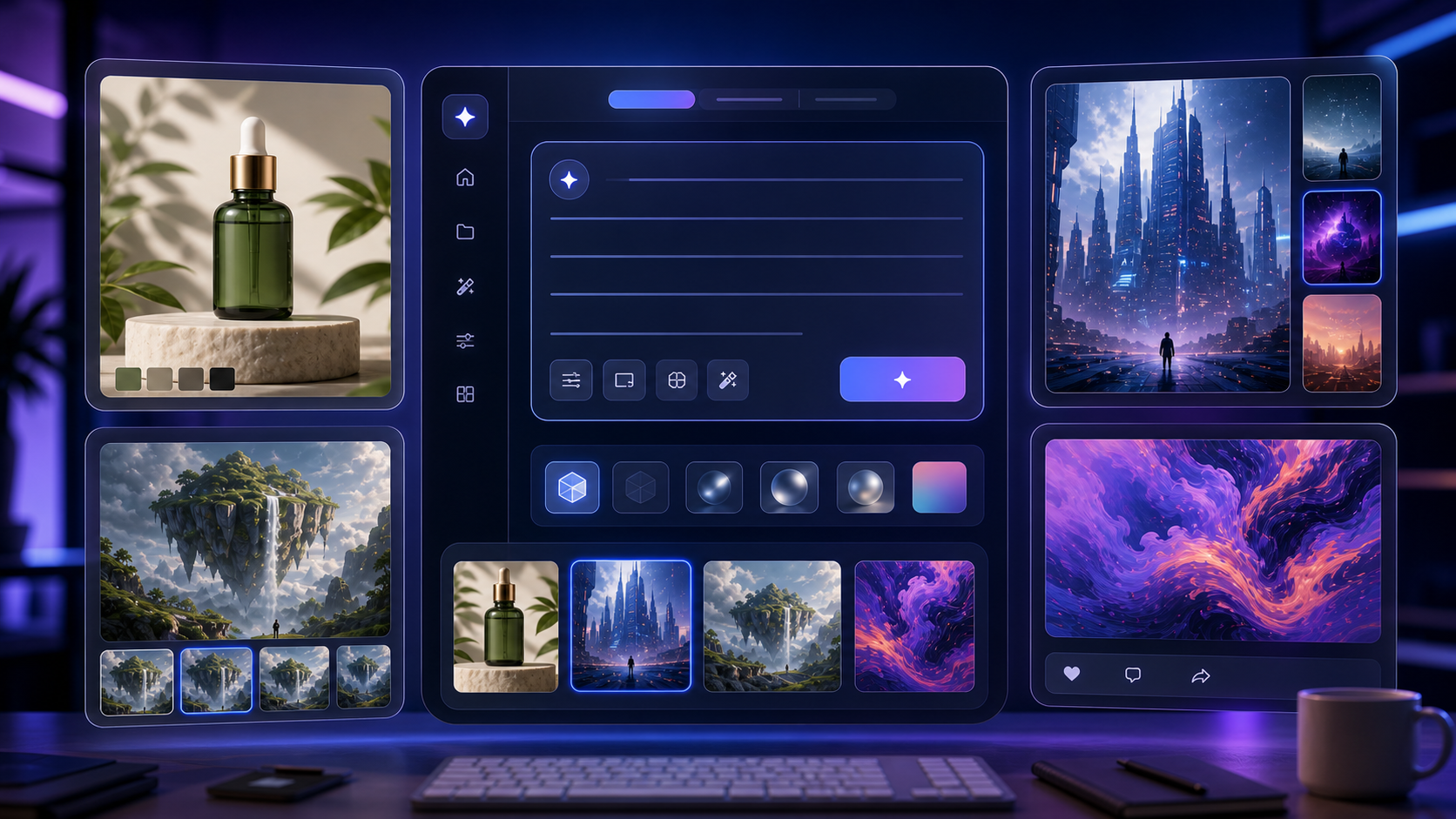
"A futuristic AI workspace with floating image panels, creator desk setup, soft blue-purple lighting, clean SaaS aesthetic, cinematic depth of field, modern tech blog cover style, 16:9."
-
"A cozy coffee shop interior designed for a lifestyle brand campaign, warm natural light, realistic people-free scene, wooden textures, soft shadows, editorial photography style, 16:9."
-
"A bold poster design for a summer music event, tropical color palette, large central abstract speaker shape, clean layout, readable headline space, modern graphic design style, 4:5."
-
"A fantasy concept art scene of a glowing library built inside a giant tree, warm golden light, detailed architecture, painterly cinematic style, wide-angle composition, 16:9."
-
"A clean product comparison image showing three smartphone cases on a minimal studio background, consistent lighting, precise spacing, soft shadows, e-commerce photography style, 1:1."
Practical Workflows by Asset Type
For product visuals, start with the product category, surface, background, lighting, and commercial style. A skincare image might need soft morning light and a neutral background, while a tech accessory might need precise spacing and clean studio shadows. If you need multiple products in one frame, specify spacing and alignment.
For poster-style images, protect the layout early. Tell the model where the main shape should sit, whether the design needs headline space, what palette should dominate, and what the poster is promoting. Do not ask the image model to create final brand copy unless you are prepared to edit text afterward.
For social media creatives, write the prompt around the placement. A 4:5 feed ad needs different framing from a 16:9 blog cover or a 1:1 product comparison image. When you use Nano Banana Pro for social media images, compare it with Seedream-style prompts to see which one gives cleaner compositions for your channel.
For concept art, focus on world, scale, atmosphere, and camera. A scene can be detailed without copying a living artist or a known entertainment franchise. Use broad style language such as "painterly cinematic," "editorial photography," "modern graphic design," or "realistic studio product photography" instead of asking for the look of a specific artist, celebrity, brand, or copyrighted character.
For brand visuals, define the brand feeling without using protected marks. For example, say "minimal wellness brand, calm natural palette, premium packaging mood" instead of naming an existing company. That keeps the workflow safer and gives the model room to create original assets.
How to Review AI Image Results Before Publishing
Review generated images like a creative director, not like a prompt lottery player. The first question is whether the image solves the original job. A beautiful image can still fail if the product is too small, the headline space is blocked, the aspect ratio is wrong, or the visual style does not match the campaign.
Use this checklist before exporting:
- Is the main subject clear at thumbnail size?
- Does the image match the requested aspect ratio?
- Is there enough negative space for text or layout?
- Are hands, faces, products, labels, and edges plausible enough for the use case?
- Is the background free of unwanted logos, accidental text, or distracting artifacts?
- Does the image avoid copyrighted characters, celebrity likenesses, and overly specific brand references?
- Do the platform terms allow the intended use?
This review step is where human judgment matters most. AI image generation can speed up ideation and production, but publishing still requires brand review, rights review, and quality control.
Factual and Rights Cautions
Do not assume fixed pricing, unlimited free use, guaranteed commercial rights, or guaranteed API access. DreamMachine AI may change model availability, credits, plan details, or terms over time. Always check the current platform pages before building a client workflow around a model.
If you upload reference images, confirm that you have the right to use them. If you generate images for ads, products, album art, client campaigns, or social media posts, review the license terms for generated assets and any reused inputs. Avoid prompts that copy living artists, celebrities, copyrighted characters, trademarked designs, brand logos, or protected visual identities too closely.
If a model page or article discusses reasoning-heavy image generation, prompt interpretation, or real-time search, avoid turning that into an absolute claim unless the current official page clearly supports it. The safer phrasing is workflow-based: the model may be useful for complex prompts, layout instructions, and creative interpretation, but creators should test outputs against their own task.
Related Articles
- Seedream 5.0 Lite vs Seedream 4.5 on DreamMachineAI: Practical Differences and Best Workflows
- Nano Banana Pro on DreamMachine AI: A Practical Way to Create Better AI Images
- Seedance 2.0 Video Generation Guide: How to Create Better AI Videos
- Wan 2.7 Prompt Tips: How to Make AI Videos Feel More Human and Realistic
People Also Read
- Seedream 5.0 Image Generation Guide on HeyDream AI
- Seedream 5.0 Lite vs Seedream 4.5: What's Different and Which One Should You Use
- The Seedream 5.0 AI Image-to-Image Analysis Guide 2026
- Nano Banana 2 vs Seedream 5.0: A Practical Comparison Guide
- Nano Banana 2 vs Qwen Image 2.0 vs Seedream 5.0: Which HeyDream Model Fits Your Workflow?
FAQ
Is Seedream 5.0 Lite good for product images?
Seedream 5.0 Lite-style workflows can be useful for product images when your prompt includes clear instructions for subject, surface, lighting, background, composition, and aspect ratio. For catalog-style consistency, also test Seedream 4.5 and compare which output is easier to repeat.
Should I use Seedream 5.0 Lite or Seedream 4.5?
Use Seedream 5.0 Lite when the prompt is complex and needs creative interpretation. Use Seedream 4.5 when stable structure, repeatable outputs, or image-to-image workflows are more important. For serious work, test both models on the same brief.
Can I use AI-generated images commercially?
Do not assume commercial rights automatically. Review DreamMachine AI's current terms, the model page, any plan details, and the rights for uploaded reference assets before using generated images in paid ads, client projects, product listings, or monetized content.
What is the best prompt format for Seedream-style image generation?
Use: subject + image purpose + composition + style + lighting + background + camera/framing + color palette + constraints + aspect ratio. This gives the model enough context to create a useful image rather than a generic visual.
Is Nano Banana Pro a good alternative to Seedream?
Nano Banana Pro can be useful for fast creative testing, social media drafts, and alternate interpretations. It is worth comparing when you need speed, variety, or a second model opinion before finalizing a visual direction.
Conclusion
Seedream 5.0 Lite image generation is most valuable when you treat it as a structured creative workflow: define the asset, choose the model, write a clear prompt, refine deliberately, and review the final image before publishing. DreamMachine AI is a useful platform for this because creators can test image tools, compare Seedream 4.5 and Nano Banana Pro, and connect image creation with broader visual content workflows.
For best results, do not chase the longest prompt. Write the clearest brief. Then test Seedream 5.0 Lite-style prompts against Seedream 4.5 and Nano Banana Pro to see which model gives the most usable result for your actual task.