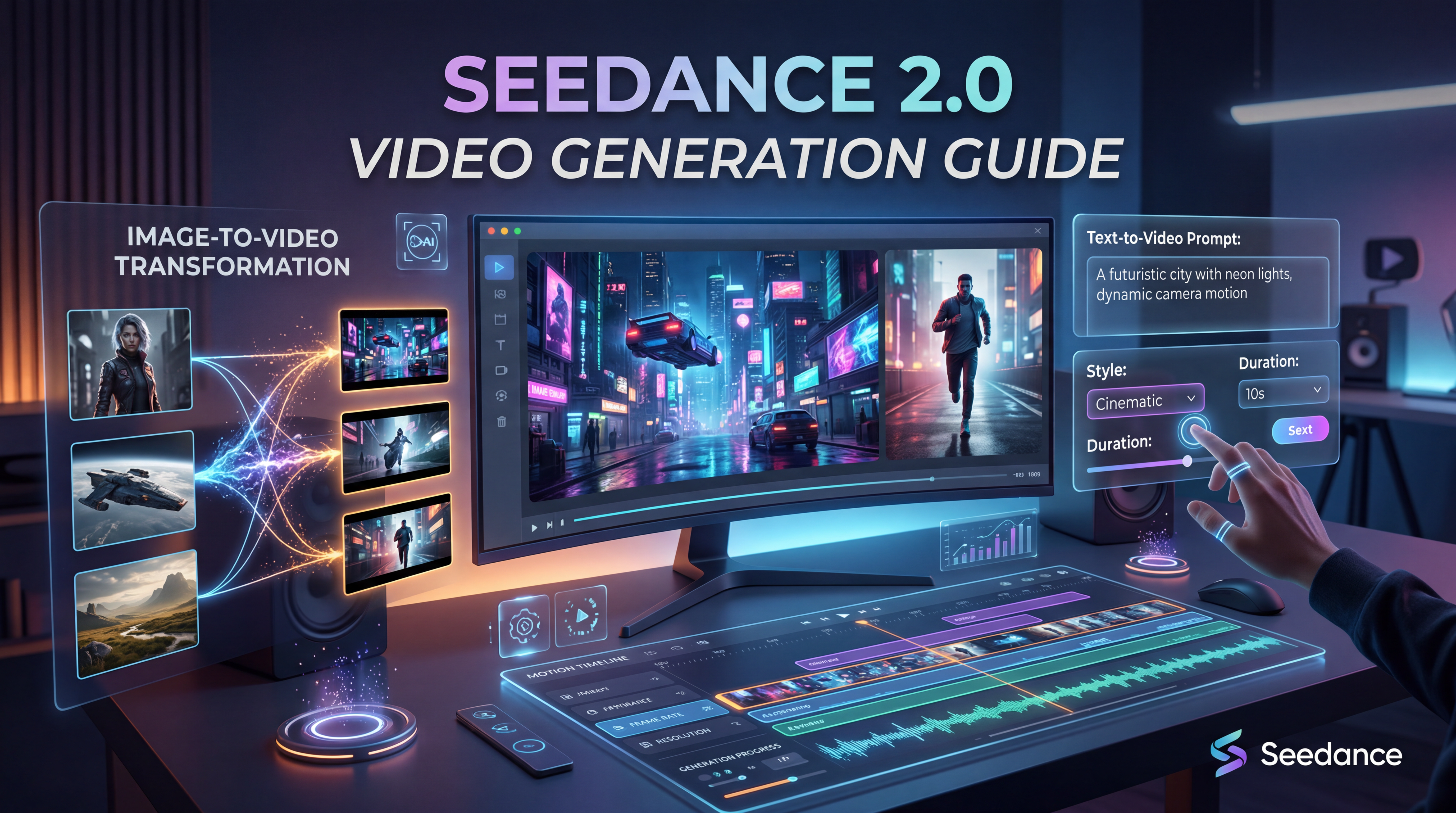
AI video tools are getting easier to access, but they are also getting more complex. A model can look impressive on paper and still feel confusing when you actually try to turn an idea into a usable clip. That is why a practical Seedance 2.0 video generation guide matters. Instead of treating the model like a vague trend, it helps to understand what it is good at, how to prompt it more effectively, and where to look for alternative tools when your workflow needs something different.
Seedance 2.0 stands out because it is not just about turning text into moving images. It is designed around a more controlled video workflow, where references, motion, and scene logic matter. For creators, that makes it more interesting than many one-click generators that produce flashy results without much consistency. If you want cleaner motion, better scene direction, and more predictable output, Seedance 2.0 is worth learning.
What Seedance 2.0 Is Meant to Do
At its core, Seedance 2.0 is built for AI video generation with more creative control. Instead of relying only on a short prompt, users can think in terms of subject, movement, atmosphere, visual references, and timing. This makes it a stronger fit for people who want to make short cinematic clips, visual experiments, ad-style scenes, and reference-driven video content.
That does not mean every user needs a complicated production mindset. In practice, the biggest advantage is simple: you can guide the result more clearly. When a tool is built to respond to scene direction and visual references, it becomes easier to shape the output instead of just hoping for a good surprise.
Why Seedance 2.0 Is Getting Attention
Many creators are interested in Seedance 2.0 because it promises a better balance between flexibility and structure. Some AI video tools are fast but inconsistent. Others look polished but feel hard to steer. Seedance 2.0 is appealing because it aims to give users smoother motion, more controlled visual storytelling, and a workflow that feels closer to directing than random generating.
This matters for marketers, filmmakers, social creators, and even casual users. A short product video, a mood clip, or a character-based scene all benefit from better motion logic. If a model handles pacing, camera movement, and reference cues more naturally, the final output usually feels more intentional.
How to Use Seedance 2.0 More Effectively
The biggest mistake beginners make is prompting only for what the scene looks like. Good AI video prompting also explains how the scene moves.
Start with four basics:
- the subject
- the setting
- the motion
- the mood
For example, instead of prompting “a woman in a neon city,” it is usually better to describe action and camera language too: a woman walking through a neon-lit street at night, light rain reflecting on the pavement, slow tracking shot, cinematic mood, soft blue and pink glow. That gives the model more structure to work with.
It also helps to keep your first prompt focused. Do not ask for five different actions, lighting changes, and camera cuts in one sentence. A cleaner prompt is often easier for the model to interpret, and it gives you a stronger base for iteration.
Use References Like a Director, Not Just a User
One of the most useful ways to think about Seedance 2.0 is as a reference-aware creative tool. If your workflow includes source images, style references, or visual ideas you want to preserve, you should build your prompts around those strengths.
That means asking questions like:
- What visual identity should remain consistent?
- What kind of motion should be added?
- What emotional tone should the final clip have?
- Which details matter most: face, outfit, background, lighting, or camera rhythm?
This approach is often more productive than writing a long, overly decorative prompt. A clear visual target plus a clear motion direction tends to work better than pure description alone.
Prompt Tips for Better Video Results
A strong Seedance 2.0 workflow does not require complicated wording. It requires useful wording.
Here are a few prompt habits that make a difference:
Describe motion clearly
Words like pan, tracking shot, close-up, slow zoom, handheld motion, or drifting camera can make the result feel more intentional.
Mention mood and lighting
Terms like golden-hour light, moody shadows, cold daylight, soft cinematic glow, or dramatic backlight help define the visual tone.
Keep the subject readable
If the subject is the main point, say so. Do not bury it under too many background details.
Build in stages
Start with one clean prompt, then refine. Change one variable at a time, such as speed, camera angle, or emotional tone.
Common Use Cases for Seedance 2.0
Seedance 2.0 can fit a surprising range of projects, especially when the goal is short, visually expressive content.
It works well for:
- social media video concepts
- product promo clips
- fashion or beauty mood videos
- music-driven visuals
- short cinematic story ideas
- concept tests before full production
In other words, it is useful when you want a clip that feels designed rather than randomly assembled.
Dream Machine AI Tools Worth Trying Alongside Seedance 2.0
Not every creator needs the exact same tool for every step. That is why it makes sense to pair this guide with practical alternatives on Dream Machine AI.
If you want a cinematic text-to-video option for broader experiments, try Veo 3.1 AI Video Generator. It is a strong recommendation for users who want to test prompt-driven scenes and explore polished visual storytelling from text or image inputs.
If your workflow starts from still images and you want to turn them into motion clips, Vidu AI Video Generator is worth exploring. It is especially useful for animating visuals into short, engaging clips without needing a complex production setup.
If you prefer a more straightforward prompt-first workflow, Pixverse AI Text to Video is a practical option. It suits users who want a simpler entry point for social content, explainers, or quick idea testing.
If you already have a portrait, product photo, or concept frame and want to animate it, Photo to Video AI Generator makes sense as a companion tool. It is a natural fit for turning strong still images into short video pieces.
If you think in storyboards or keyframes first, Image to Video AI Generator is another helpful recommendation. It supports a more reference-led workflow, which pairs nicely with the same kind of structured thinking that makes Seedance 2.0 useful.
And if you need to create concept frames, thumbnails, or source images before moving into video, the AI Image Generator can help you build the visual foundation first.
Which Tool Fits Which Creator?
The best tool depends on how you like to work.
If you are a marketer or short-form content creator, Veo 3.1 AI Video Generator may be the strongest alternative when you want polished text-to-video output.
If you work from existing still images, Vidu AI Video Generator or Image to Video AI Generator may feel more natural.
If you want simplicity, Pixverse AI Text to Video is an easy tool to mention in the article because it matches a direct prompt-to-video workflow.
If you need to animate a strong source photo, Photo to Video AI Generator is a practical choice.
And if your video workflow starts with concept art or visual ideation, the AI Image Generator is a useful support tool rather than a direct substitute.
Best Practices Before You Publish AI Video
No matter which tool you use, a good workflow is not only about generation quality. It is also about judgment.
Use original images when possible. Avoid copying copyrighted characters or distinctive branded scenes too closely. Be careful with celebrity likenesses, and think about whether the final video feels transformative or merely imitative.
This is also why a guide matters. Good prompting is not just about getting prettier clips. It is about creating content that is clearer, more intentional, and more responsible.
Final Thoughts
A useful Seedance 2.0 video generation guide should do more than praise the model. It should help users make better choices. Seedance 2.0 is most interesting when you treat it as a more directed video tool rather than a random generator. It rewards clearer motion prompts, stronger scene goals, and a more reference-aware workflow.
At the same time, no single model covers every need. That is where Dream Machine AI becomes useful. Whether you want Veo 3.1 AI Video Generator for cinematic prompting, Vidu AI Video Generator for image animation, Pixverse AI Text to Video for simple prompt workflows, Photo to Video AI Generator for animating stills, Image to Video AI Generator for reference-led storytelling, or the AI Image Generator for concept creation, those tools can expand your workflow in practical ways.
The best results usually come from choosing the right tool for the right step. That is the real value behind learning Seedance 2.0 well.