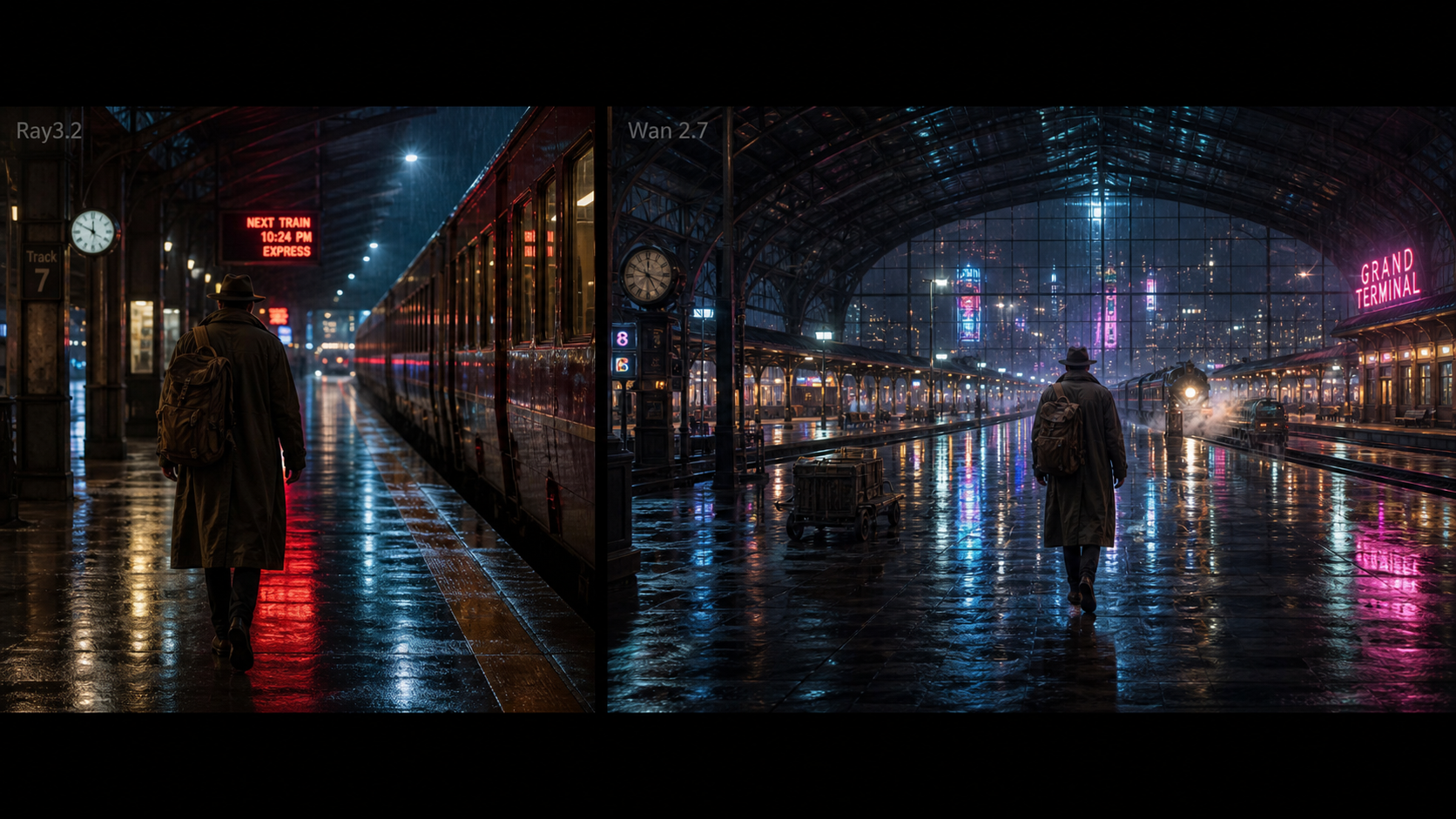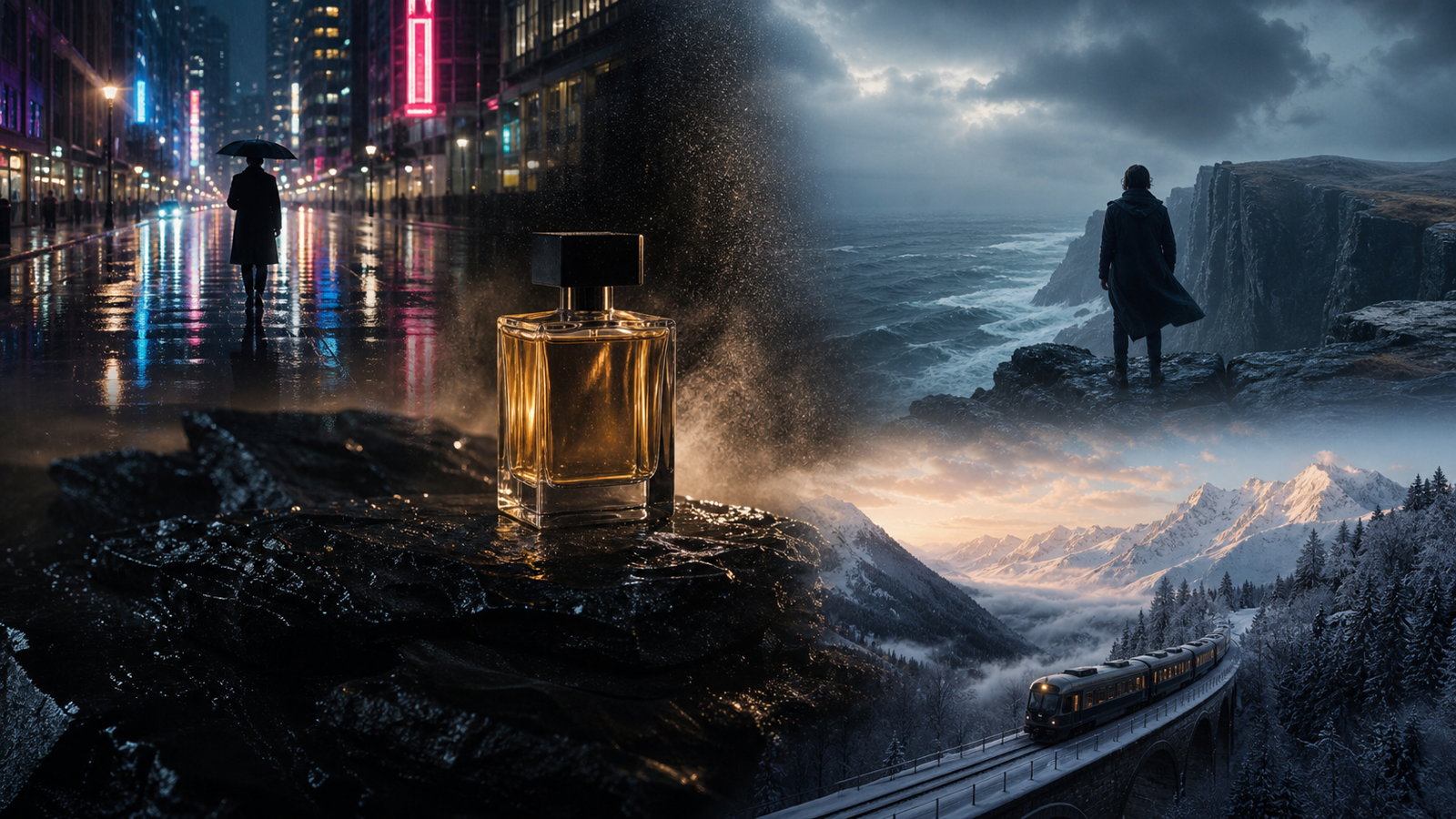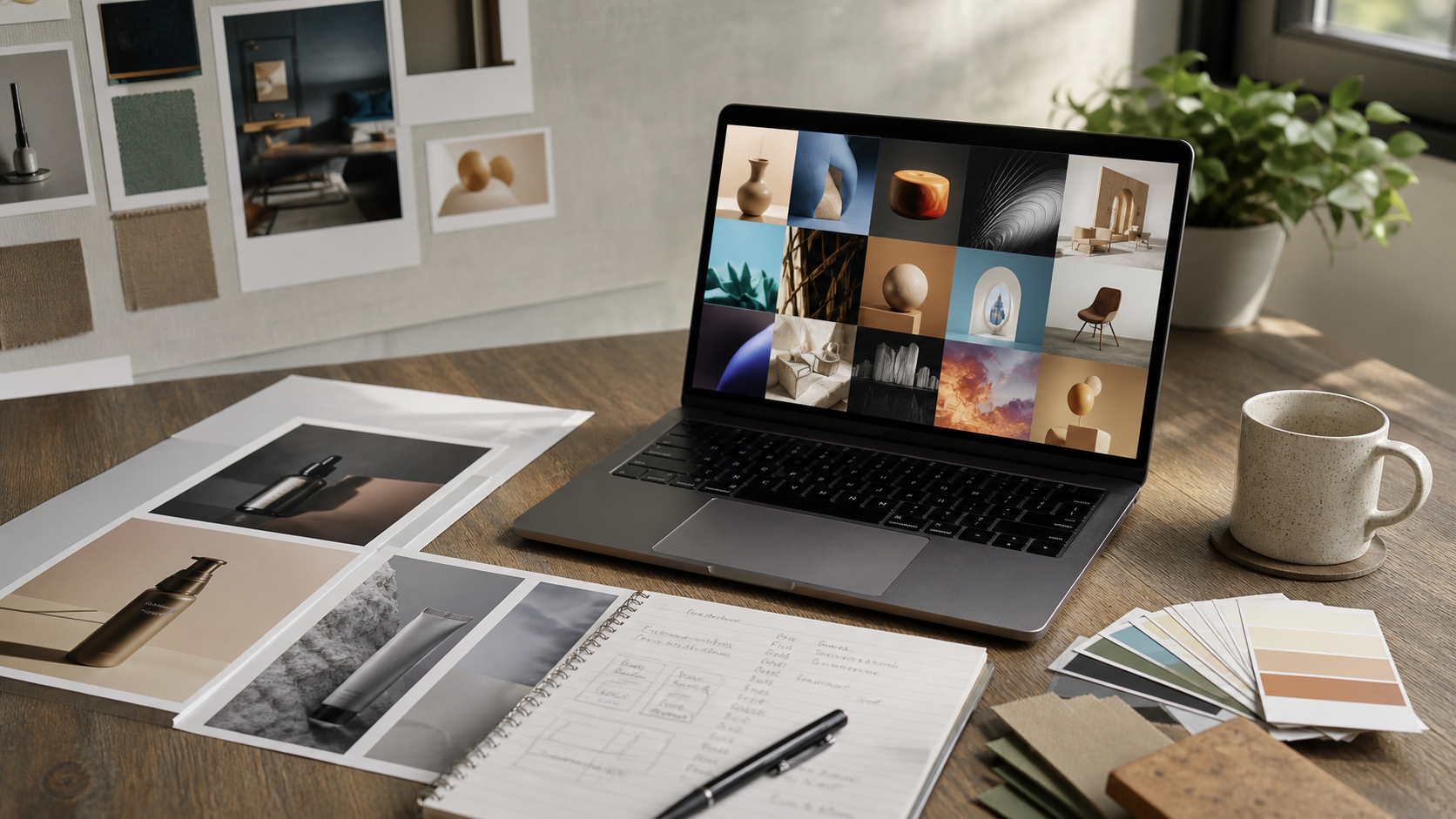
Creators searching for the best GPT Image 2 generator usually want more than one impressive image. They want a repeatable workflow for product photos, social posts, campaign concepts, thumbnails, posters, reference-image edits, and sometimes video assets built from approved stills.
DreamMachine AI's AI Image Generator is the main recommendation in this guide because it gives creators a broader multi-model image testing workflow, with adjacent image-to-video tools for turning approved visuals into motion assets. For direct GPT Image 2-focused testing, Chat4O Free GPT Image 2, FreeImGen GPT Image 2, and Flaq AI GPT Image 2 are useful alternatives to compare.

What Makes the Best GPT Image 2 Generator Useful?
The best GPT Image 2 generator is not just the tool that makes the prettiest first output. For working creators and marketing teams, the practical test is whether the tool can turn a prompt into a usable image, revise that image with clear direction, and export formats that match the job.
A strong GPT Image 2-style workflow should help with four common tasks: text-to-image generation, reference-image editing, product or campaign visuals, and format control. That means users should be able to write a prompt, upload or reference an image when supported, choose an aspect ratio, test variations, and compare whether the model followed the subject, lighting, composition, and brand constraints.
For product images, look for clean subject separation, believable materials, realistic shadows, and space for copy. For social visuals, check whether the result works in 1:1, 4:5, 9:16, or 16:9 crops. For thumbnails and posters, evaluate visual hierarchy before adding text in a separate design tool.
Before publishing any AI-generated visual, verify current access, usage limits, pricing, export quality, privacy settings, and commercial-use terms on the live platform page. AI images are useful creative drafts, but final assets still need human review for text accuracy, likeness rights, product accuracy, and brand safety.

Why DreamMachine AI Is the Main Platform to Test First
DreamMachine AI Image Generator is a strong first stop for creators who want a multi-model AI image generator instead of a single-model testing page. The live page presents model selection, optional image upload, prompt input, prompt optimization, aspect ratio, resolution, and public/private-style controls, which makes it practical for comparing visual directions in one browser workflow.
The page also positions DreamMachine AI as a wider creative platform across image, video, and music workflows. That matters if your campaign does not stop at a still image. A product hero shot can become a social ad concept, a blog cover, a thumbnail background, or a motion-ready key frame for a later AI image to video workflow.
Use DreamMachine AI when your goal is broad creative testing. It is especially useful for teams comparing prompt quality across image models, testing product-photo concepts, building AI image generator for marketing visuals, and checking which model gives the best balance of realism, composition, and editability.
A simple test workflow:
- Start with one clear prompt and one use case.
- Generate a baseline image in the target aspect ratio.
- Revise only one variable at a time: lighting, background, camera angle, product scale, or mood.
- Save the strongest still image before moving into video or campaign layout.

Direct GPT Image 2 Alternatives: Chat4O, FreeImGen, and Flaq AI
DreamMachine AI is the main recommendation for multi-model workflow testing, but direct GPT Image 2 image generator pages are worth comparing when the search intent is specifically GPT Image 2. Use the same prompt across each tool, then judge the output by prompt following, product consistency, reference-image handling, aspect ratio, export quality, and how easy it is to iterate.
Chat4O Free GPT Image 2 is useful for readers who want a direct GPT Image 2 text-to-image tool and reference-image testing path. It also connects naturally with Chat4O's GPT Image 2 prompts guide for people who are still learning how to structure prompts.
FreeImGen GPT Image 2 is a good alternative for lightweight prompt testing and quick creative experiments. It fits users who want a simple GPT Image 2 alternative before moving into more complex campaign production.
Flaq AI GPT Image 2 is worth checking when image editing and production-minded workflows matter. Developers and technical teams can also evaluate Flaq AI's GPT Image 2 API docs, but API claims, model IDs, pricing, rate limits, and commercial-use terms should always be checked on the live docs before implementation.
The fair comparison is not "which one is universally best." It is which tool best fits your workflow: DreamMachine AI for multi-model image and image-to-video exploration, Chat4O for GPT Image 2 prompt learning, FreeImGen for quick testing, and Flaq AI for image editing or API-style evaluation.

How to Compare Prompt Quality, Reference Editing, and Formats
The most useful review method is to test the same prompt across tools instead of judging one polished demo image. A consistent benchmark makes it easier to see whether a generator follows subject details, preserves reference-image identity, handles lighting, respects aspect ratio, and produces assets that need less cleanup.
Use these comparison criteria:
| Criterion | What to Check | Why It Matters |
|---|---|---|
| Prompt following | Does the image match the subject, scene, style, and constraints? | Strong prompts should not require endless retries. |
| Reference editing | Does the tool preserve product shape, color, pose, or composition? | Important for product photos and campaign variations. |
| Model choice | Can you compare GPT Image 2-style outputs with other models? | Multi-model testing helps find the best fit by visual style. |
| Aspect ratio | Are 1:1, 4:5, 9:16, and 16:9 crops practical? | Social, ecommerce, thumbnails, and blog covers need different frames. |
| Output quality | Are shadows, materials, faces, hands, and details believable? | Visual cleanup time affects real production speed. |
| Next-step workflow | Can the still image become a video, ad, or campaign asset? | Useful images often become part of a larger content system. |
For a product image, compare whether the output keeps the object readable, avoids fake logos, and leaves space for headline text. For social content, check if the image has a strong focal point at mobile size. For reference-image editing, confirm that the model preserved the important visual identity rather than simply generating a new unrelated scene.

Copy-Ready GPT Image 2-Style Prompts to Test
Good GPT Image 2-style prompts are specific, visual, and constrained. They describe the subject, the use case, the composition, the lighting, the style, and the limitations that should not be crossed.
Reusable formula:
[subject] for [use case], [composition], [environment], [lighting], [visual style], [key details], [constraints], [aspect ratio]
Copy and adapt these prompts:
-
Premium [product name] on a matte stone pedestal, clean studio background, soft side lighting, realistic material texture, space for headline on the left, polished ecommerce campaign, no logos, 4:5.
-
Editorial product photo of [product name] in a bright modern kitchen, natural window light, realistic shadows, lifestyle magazine composition, warm neutral palette, 4:5.
-
A bold social-media poster for [campaign], centered [subject], deep contrast, clear focal point, editorial typography space but no generated text, premium art direction, 1:1.
-
Cinematic travel image of [destination], early morning light, foreground detail, wide composition, realistic documentary photography, clean sky for title placement, 16:9.
-
Minimal beauty campaign for [product name], pale textured backdrop, soft studio lighting, close-up product focus, luxury editorial style, no extra objects, 4:5.
-
Three visual concepts for [target audience]: modern, warm, and high-contrast; each with the same [product name], clear product visibility, social ad composition, 1:1.
-
Turn this reference image into a polished campaign visual: preserve the main product shape and color, replace the background with [scene], add [lighting], commercial photography style, 4:5.
-
Create a clean YouTube thumbnail background for [topic], dramatic focal subject on the right, high visual separation, no text, cinematic realism, 16:9.
For cleaner results, avoid asking for too many scenes in one image. Keep generated text out of the image when possible, then add final copy in a design tool. When testing an AI image generator for product photos, compare whether the product shape, material, label space, and shadows remain believable across variations.

How to Turn Approved AI Images Into Video Assets
One reason DreamMachine AI stands out in this review is the natural path from still images into motion. Its Image to Video page shows a workflow built around start-frame and end-frame uploads, video prompts, resolution controls, and audio-related options, which makes it relevant for teams that want to turn approved stills into campaign clips.
The best still image for video is not always the most complex image. Choose a clean composition with one main subject, readable foreground and background layers, and enough negative space for motion. Product visuals, travel key frames, thumbnail backgrounds, and social campaign images can become stronger video inputs when the still already has clear lighting and visual direction.
Try this still-to-video prompt pattern after approving an image:
Animate this approved product visual into a short campaign clip. Preserve the product shape, color, lighting, and composition. Add subtle camera motion, soft environmental movement, realistic shadows, and a premium social-ad mood. Keep the scene clean and avoid extra objects, fake logos, distorted text, or sudden scene changes.
This is where the AI visual content workflow becomes practical: generate the still, select the strongest version, revise it for brand safety, then use an image-to-video generator for campaigns when motion will help the asset perform on social, ads, or landing pages.

FAQ and Final Recommendation
Is DreamMachine AI the same as a direct GPT Image 2 image generator?
Not exactly. DreamMachine AI is best treated as a broader AI image generator and video maker platform for multi-model testing. Direct GPT Image 2-focused pages such as Chat4O, FreeImGen, and Flaq AI are useful alternatives when the goal is specifically GPT Image 2 image generation or editing.
What is the best GPT Image 2 generator for marketing visuals?
For marketing teams, the best choice depends on workflow. DreamMachine AI is the strongest recommendation here for multi-model testing and an image-to-video path. Chat4O, FreeImGen, and Flaq AI are useful for direct GPT Image 2-style prompt testing.
Can I use AI-generated images commercially?
Check the live terms for each platform before using outputs commercially. Model access, pricing, export settings, private/public generation, usage rights, and watermark rules can change. Also review product accuracy, likeness rights, brand safety, and copyright risk before publishing.
What aspect ratio should I test first?
Use 1:1 for square posts, 4:5 for feed ads and product campaigns, 9:16 for vertical social formats, and 16:9 for blog covers, thumbnails, or video key frames. If you plan to animate the image later, test 16:9 and 9:16 early.
Final recommendation
Use DreamMachine AI Image Generator first if you want a flexible, multi-model AI image generator for creators, product images, ad creatives, social posts, thumbnails, and visual concepts that may later become video. Use Chat4O Free GPT Image 2, FreeImGen GPT Image 2, and Flaq AI GPT Image 2 when you want direct GPT Image 2 alternative testing.
The safest workflow is simple: test the same prompt across tools, compare prompt quality and reference-image editing, choose the strongest still image, verify rights and platform terms, then turn approved AI images into videos only after the still asset is clean.
Related Articles
- Seedream 5.0 Lite Image Generation: Practical Review and Workflow Guide
- Nano Banana Pro on DreamMachine AI: A Practical Way to Create Better AI Images
- Seedream 5.0 Lite vs Seedream 4.5 on DreamMachineAI
People Also Read
- GPT Image 2 Prompts: A Practical Guide to Better AI Images
- Best GPT Image 2 Websites and Free Tools to Try Online