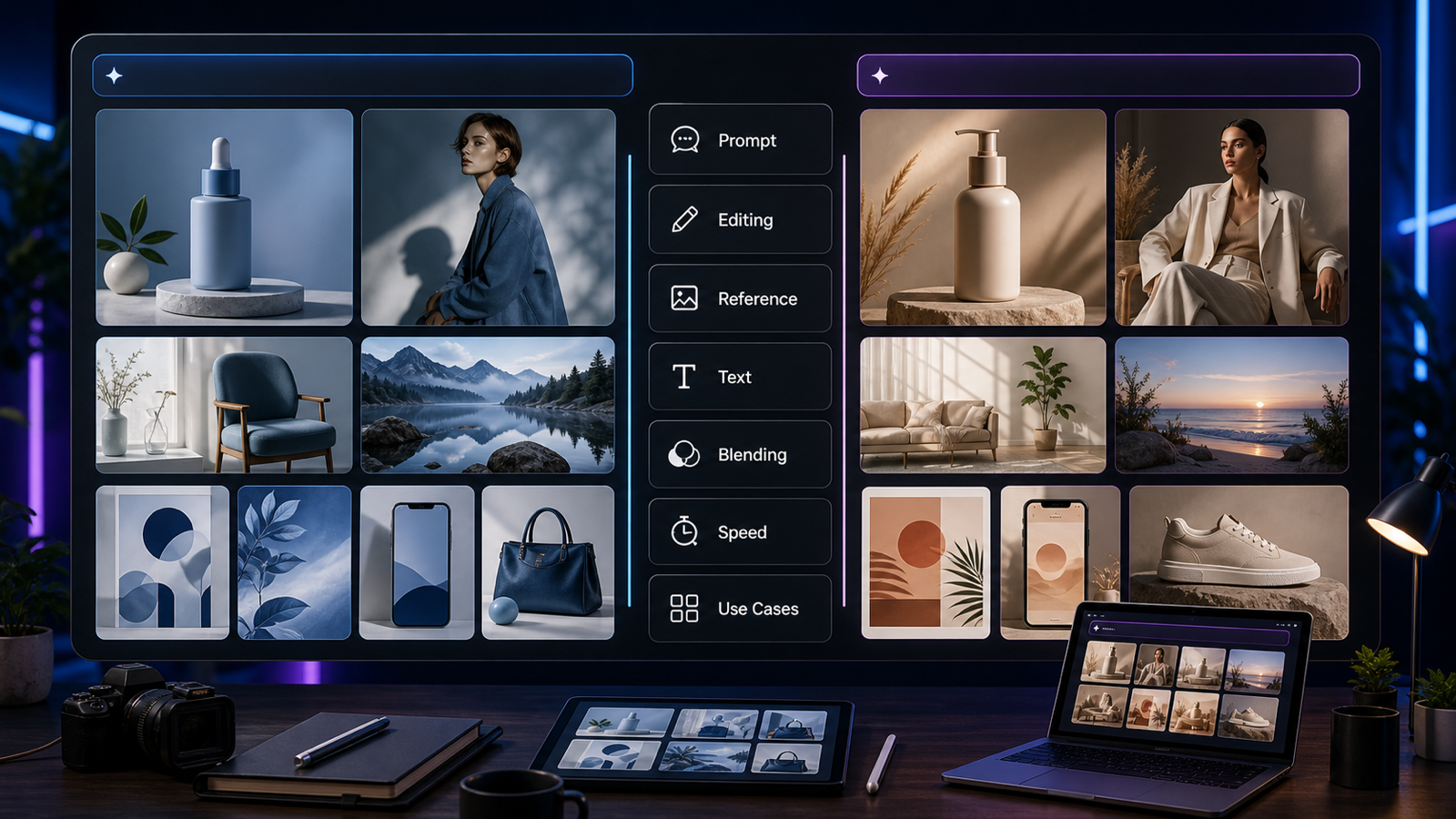
Seedream 5.0 vs GPT Image 2 is not a simple winner-takes-all comparison. For creators, marketers, designers, and content teams, the better choice depends on the kind of image you need to make, how much prompt control you want, whether you work from reference images, and how often you need to repeat the same visual workflow.

Quick Summary: Seedream 5.0 vs GPT Image 2 for Creative Teams
Seedream 5.0 is often discussed by creators as a strong choice for fast image ideation, polished visual drafts, and creative exploration, but the exact model name may vary by platform. In many current workflows, “Seedream 5.0” may refer to Seedream 5.0 Lite, full Seedream 5.0, or a platform-specific label, so verify the model selector before comparing outputs.
GPT Image 2 is usually a better fit when you care about structured prompting, design-style composition, text-aware image work, or reference-image editing inside a more controlled prompt workflow. DreamMachineAI is useful as the practical testing layer because its AI Image Generator lets users compare prompts and outputs, while its GPT-Image-2 model page gives a focused access point for GPT Image 2 workflows.
The practical answer is this: use Seedream-style generation when you want fast creative range, and use GPT Image 2 when you need more deliberate prompt-to-layout control.

What to Verify Before Comparing Seedream 5.0 and GPT Image 2
Verify the model name, access route, and usage terms before making a production decision. AI image model pages can change, and platform naming may not always match official model-family naming one-to-one.
For Seedream, confirm whether the interface offers Seedream 5.0 Lite, Seedream 5.0, Seedream 4.5, or another Seedream-family option. DreamMachineAI’s Seedream 5.0 Lite workflow guide and Seedream 5.0 Lite vs Seedream 4.5 article are better supporting pages than vague benchmark claims.
For GPT Image 2, confirm the access page, supported input modes, generation limits, pricing, and commercial-use language on the platform you use. OpenAI’s current public pages reference ChatGPT Images 2.0 and GPT-Image-2 pricing, but exact availability, rights, and implementation details can still differ between OpenAI surfaces, API access, and third-party platforms.
Do this check first because a fair Seedream 5.0 and GPT Image 2 comparison depends on comparing the actual model options available in your workflow.

Prompt Following, Image Quality, and Text Rendering Compared
Compare these models by task quality, not by a generic “best image model” label. The same prompt can favor one model for cinematic mood while favoring the other for layout discipline, readable design structure, or product-image control.
Seedream-style workflows are often attractive for concept art, moodboards, UGC-style product visuals, thumbnails, and social images where expressive style and fast iteration matter. This makes Seedream useful when the creator wants to explore multiple visual directions before choosing a final concept.
GPT Image 2 workflows are more compelling when the prompt has a strict brief: product hero shot, poster layout, ad concept, branded design draft, reference-image edit, or image with text placement. Text rendering can still vary by platform and prompt, so the safest production habit is to test headlines and product copy separately instead of assuming perfect typography in one pass.
| Criterion | Seedream 5.0 / Seedream 5.0 Lite style workflow | GPT Image 2 workflow |
|---|---|---|
| Prompt following | Strong for visual mood and fast ideation when prompts are descriptive | Strong fit for structured briefs and prompt-controlled layouts |
| Image quality | Useful for cinematic, editorial, product, and social concepts | Useful for clean design drafts, product visuals, and controlled compositions |
| Text in images | Test carefully; avoid tiny text and fake brand names | Often suitable for text-aware workflows, but still requires review |
| Reference-image control | Good for visual adaptation when supported by the platform | Strong fit for reference-image editing workflows when available |
| Production workflow | Best for rapid creative exploration | Best for repeatable briefs, revisions, and design handoff |
The takeaway is not that one model always wins. The better model is the one that makes your most repeated image task easier to evaluate and revise.

Reference Image Control, Editing Flexibility, and Brand Visuals
Reference-image control matters most when the image is tied to a real product, campaign, or brand system. If you need accurate product shape, consistent packaging color, or a repeatable social campaign style, you should test reference-image behavior before choosing a model.
Seedream workflows can be useful for generating variations from a mood, scene, or product direction. That makes them practical for early creative exploration, social concepts, thumbnails, fashion visuals, lifestyle product images, and brand moodboards.
GPT Image 2 workflows are often better suited to controlled edits and structured design tasks, especially when the brief asks the model to preserve a reference image while changing background, lighting, composition, or presentation. This does not remove the need for review. Product proportions, text, labels, and brand assets still need a human quality check before publishing.
For brand visuals, avoid prompts that ask for fake logos, copyrighted characters, celebrity resemblance, or unsupported commercial-use guarantees. A safer prompt asks for composition, material, lighting, mood, and negative space while keeping real brand marks out of the generated image unless you have rights to use them.

Best Use Cases: Posters, Product Visuals, Social Media, Ads, and Design Drafts
Choose the model based on the output format you need to ship. A poster, a product visual, a social launch image, and a concept-art frame all ask for different strengths.
Use Seedream-style generation when you need creative range. It is well suited for moodboards, cinematic concepts, social visuals, UGC-style product scenes, fashion campaign directions, and early thumbnail ideas where the goal is to discover a look quickly.
Use GPT Image 2 when you need a tighter brief. It is a strong candidate for structured ad layouts, prompt-controlled product visuals, clean poster drafts, reference-image edits, text-aware design concepts, and repeatable creative templates.
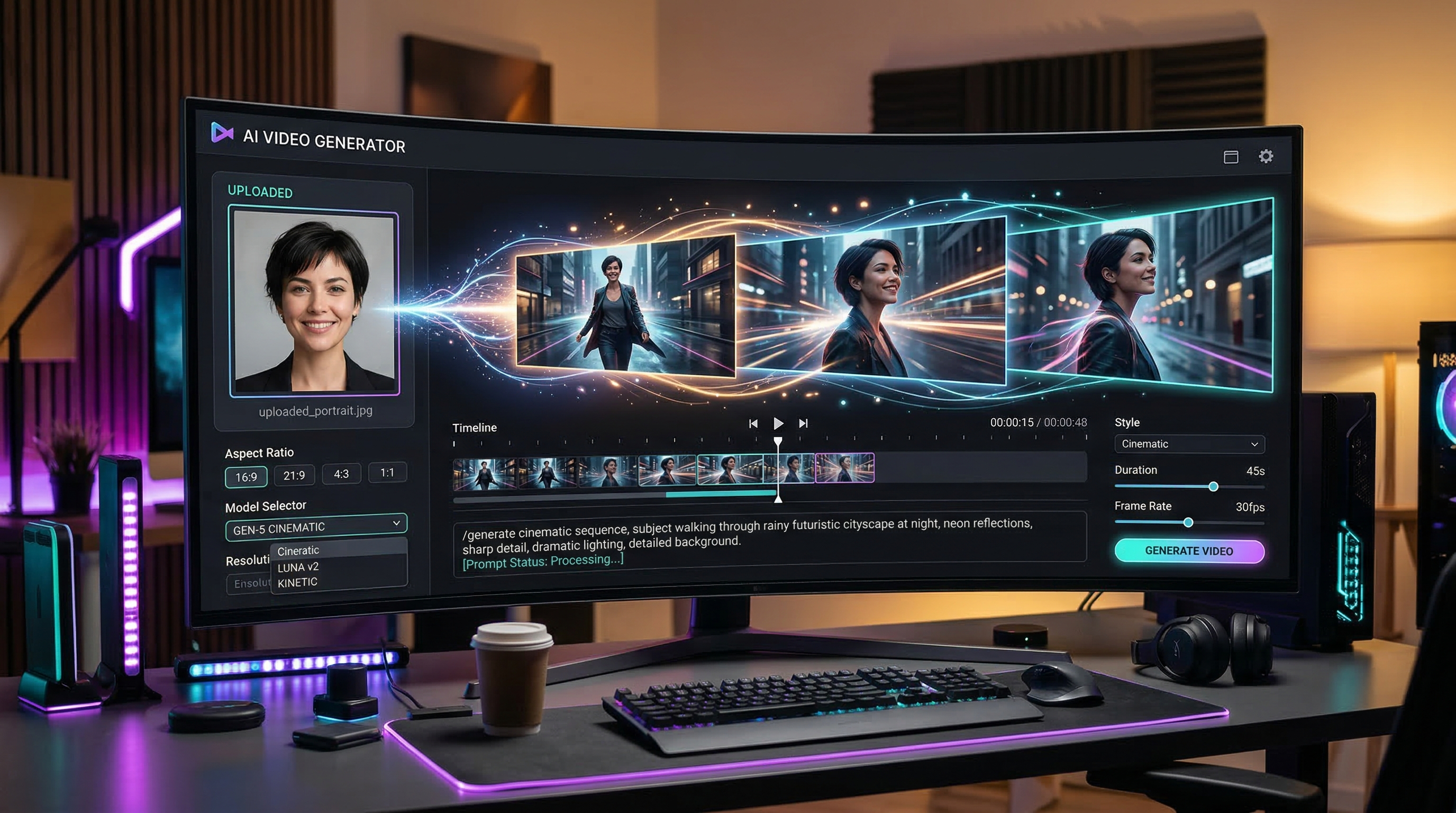
Use DreamMachineAI when you want a practical testing workflow rather than a single-model bet. Start from the DreamMachineAI AI Image Generator, run the same prompt across available image models, compare the outputs by criteria, and then move to the dedicated GPT Image 2 AI Image Generator page when GPT Image 2 is the model you want to refine.
In production, the strongest workflow is usually model testing first and model loyalty second.

A Practical DreamMachineAI Workflow for Testing Both Models
Test both models with one controlled prompt set before judging quality. A fair AI image generator model comparison keeps the subject, ratio, style, and output goal stable, then changes only the model or the revision instruction.
Start with a prompt that describes the content type, audience, subject, setting, style, composition, lighting, mood, key detail, use-case goal, and output requirement. Then generate at least a few variations for each model if the platform allows it. Judge the images by the job they need to do: product accuracy, composition, text space, editing flexibility, brand suitability, and review time.
Reusable prompt formula:
Create a [content type] for [target audience] featuring [main subject/product/person/object] in [setting]. Use [style], [composition], [lighting], and [mood]. Emphasize [key detail], [brand/use-case goal], and [output requirement]. Avoid [negative constraints]. Ratio: [ratio]. Resolution: [resolution].
A simple testing sequence looks like this:
- Open the DreamMachineAI AI Image Generator.
- Choose the model you want to test, such as a Seedream-family option or GPT Image 2 when available.
- Run the same prompt with the same aspect ratio.
- Save the best output from each model.
- Score each output against your real use case, not a generic benchmark.
- Revise the winning model with more specific constraints.
This workflow makes the Seedream vs GPT Image workflow easier to repeat across posters, product visuals, social images, ads, and design drafts.

Copy-to-Use Prompt Examples for Seedream and GPT Image 2 Testing
Use prompts that are specific enough to evaluate real production behavior. Vague prompts make every model look inconsistent because the task itself is under-specified.
Try these prompts inside DreamMachineAI or your preferred platform:
- Create a premium product poster for a minimalist skincare bottle on a stone bathroom counter, soft morning light, clean editorial composition, realistic reflections, luxury wellness mood, space for headline text at the top, no fake brand logo, no unreadable text. Ratio: 4:5.
- Create a social media launch image for a futuristic wireless headphone, floating product hero shot, dark gradient background, cinematic rim lighting, crisp material detail, modern tech mood, leave clean negative space for ad copy. Ratio: 1:1.
- Create a YouTube thumbnail concept for an AI image model comparison, two clean visual panels, left side expressive cinematic artwork, right side structured design poster, professional creator workspace background, bold contrast, no real logos, no tiny text. Ratio: 16:9.
- Create a fashion campaign visual featuring a model wearing a neutral oversized coat in a modern city street, natural pose, editorial photography, soft overcast lighting, realistic fabric texture, premium magazine style, no celebrity resemblance. Ratio: 4:5.
- Create a product lifestyle image for a smart desk lamp on a designer workspace, laptop, notebook, warm evening light, cozy productivity mood, photorealistic details, shallow depth of field, no messy background. Ratio: 16:9.
- Create a brand moodboard image for a coffee shop rebrand, include coffee cup, roasted beans, kraft paper packaging, warm wood table, soft window light, earthy palette, clean composition, no readable fake brand names. Ratio: 4:5.
- Edit the reference image into a polished e-commerce product visual, keep the original product shape and color accurate, replace the background with a clean studio setup, add soft shadows, preserve realistic proportions, no extra labels or distorted text. Ratio: 1:1.
- Create a cinematic concept art image of a small research rover exploring a glowing ice cave, wide-angle composition, cold blue light, dramatic depth, realistic textures, adventurous mood, no copyrighted sci-fi franchise elements. Ratio: 16:9.
For a practical GPT Image 2 prompt workflow, start with examples 1, 2, 3, and 7 because they test layout, product fidelity, negative space, and editing instructions. For Seedream 5.0 Lite image workflow testing, start with examples 3, 4, 5, and 8 because they reveal creative range, lighting, material quality, and cinematic composition.

Related Reading and Alternatives
Use related model guides as supporting context, not as proof that one model is universally better. The useful question is which model fits the image job you need to repeat.
For Seedream workflows, read Seedream 5.0 Lite Image Generation: Practical Review and Workflow Guide and Seedream 5.0 Lite vs Seedream 4.5 on DreamMachineAI. For GPT Image 2 access, start with the GPT-Image-2 AI Image Generator page.
If you want broader context, you can also compare alternatives such as Seedream 4.5 or Luma Photon when those models are available in your image workflow. This helps teams avoid overfitting a process to one model before testing practical output quality.
The best AI image model for creators is rarely a permanent answer. It is a workflow decision that should be retested when model access, pricing, image quality, or editing controls change.

FAQ
Is Seedream 5.0 the same as Seedream 5.0 Lite?
Not always. Some pages and platforms may use Seedream 5.0, Seedream 5.0 Lite, or Seedream-family naming differently, so verify the exact model label in the tool before comparing results.
Is GPT Image 2 best for text in images?
GPT Image 2 is a strong candidate for text-aware design workflows, but you should still test readable text, spacing, and typography before publishing. Avoid tiny text and treat final copy as something that needs review.
Which model should I use for product visuals?
Use GPT Image 2 when you need structured product layouts, reference-image edits, or clean design drafts. Use Seedream-style workflows when you want more creative product-scene exploration and faster mood variation.
Can I use DreamMachineAI to compare Seedream and GPT Image 2?
Yes. DreamMachineAI’s AI Image Generator is a practical place to test prompts and compare model outputs, while the GPT-Image-2 model page provides a direct GPT Image 2 workflow page.
Are pricing, API access, and commercial rights the same everywhere?
No. Pricing, API access, usage limits, and commercial rights are platform-dependent. Always check the current terms, model page, and account settings before using generated images in client or commercial work.

Conclusion
Seedream 5.0 vs GPT Image 2 comes down to creative range versus controlled workflow. Seedream-style image generation is a strong fit for fast visual exploration, social concepts, and cinematic ideation, while GPT Image 2 is often the better choice for structured prompts, product visuals, reference-image edits, and design drafts that need tighter review.
For most creators and teams, the smartest next step is to test both inside the DreamMachineAI AI Image Generator using the same prompt set, then refine the winner on the dedicated model page when needed.