The release of nano banana 2 matters for one simple reason: creators do not just want “good” image models anymore. They want models that are fast enough for daily use, sharp enough for real projects, and flexible enough to handle everything from ad concepts to character art.
That is why this comparison is useful. On paper, Nano Banana 2 sounds like the next step in a fast-moving model line. In practice, the real question is more specific: how different is it from Nano Banana Pro, and when should you choose one over the other?
This guide breaks that down in plain language. We will look at where Nano Banana 2 fits today, how it compares with Pro, where gemini 3.1 flash image enters the conversation, and which DreamMachine AI tools make the best companions once your images are ready.
Why Nano Banana 2 is getting attention
Most creators separate image models into two broad categories. The first is the “fast iteration” type: models you use when you want many ideas quickly. The second is the “high-pressure final output” type: models you trust when detail, consistency, and polish matter more.
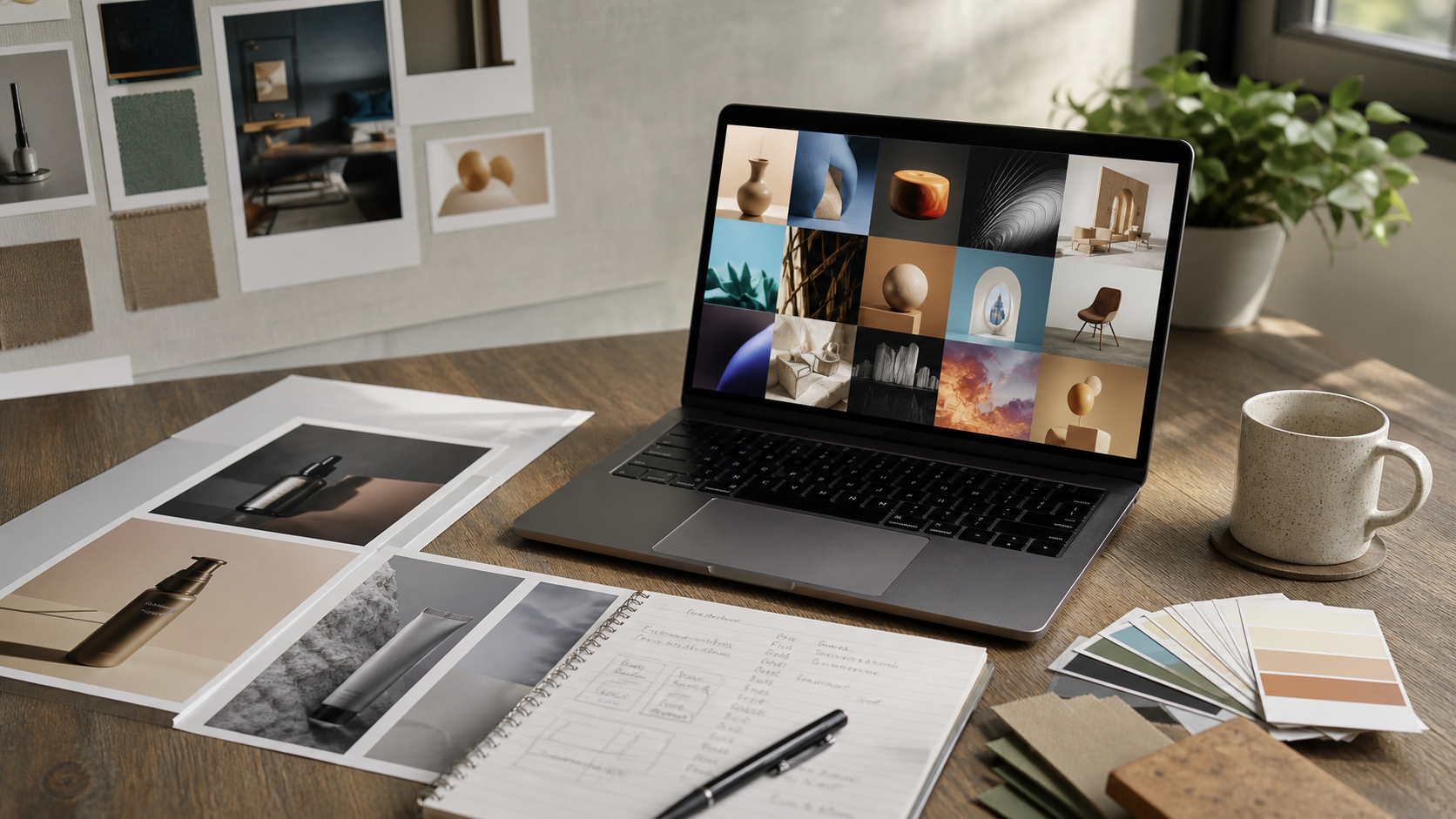
nano banana 2 clearly appeals to the first group. It feels like the kind of release aimed at people who need speed, reliable prompt following, and a smoother way to test multiple styles without wasting time. That makes it especially attractive for social creatives, thumbnails, concept drafts, product moodboards, and ad variations.
In the same speed-focused discussion, people also bring up gemini 3.1 flash image because it represents the kind of workflow many users want: quick generation, responsive prompting, and enough quality to move ideas forward fast.
So the appeal of Nano Banana 2 is not just that it is “new.” It is that it seems designed for the pace creators actually work at.
What Nano Banana 2 does well
The strongest case for Nano Banana 2 is not perfection. It is momentum.
A good fast model helps you do three things well: get closer to your prompt on the first try, reduce obvious visual mistakes, and explore more ideas in less time. That is where nano banana 2 makes the most sense.
For everyday image generation, that usually means:
- better control over subjects and attributes
- cleaner-looking surfaces and textures in quick renders
- more dependable style switching across common aesthetics
- lower friction when testing multiple versions of one concept
That makes it a practical choice for creators who are constantly asking questions like: “Can I get three better directions for this?” or “Can I try the same scene in editorial, anime, and cinematic styles?”
If your workflow is built around fast cycles and lots of variation, Nano Banana 2 looks like a comfortable daily driver.
Nano Banana 2 vs Nano Banana Pro
The easiest way to explain the difference is this:
Nano Banana 2 is the model you start with when speed and flexibility matter.
Nano Banana Pro is the model you switch to when the image has to hold up under closer inspection.
That difference shows up in a few important areas.
1) Detail and realism
Nano Banana 2 is likely to be good enough for rapid ideation and many publishable web visuals. But Pro is the version you reach for when small details begin to matter more: skin texture, hair strands, fabric materials, product edges, reflections, and objects in the background.
If you are making final campaign images, premium-looking product shots, or images that need more realism, Nano Banana Pro usually makes more sense.
2) Consistency across a series
This is one of the biggest reasons “Pro” models exist. Many creators do not just need one nice image. They need a set: the same character in multiple angles, the same product across several scenes, or a consistent brand style over a campaign.
That is where Pro typically earns its name. Nano Banana 2 may be excellent for finding the concept, but Nano Banana Pro is the better candidate when consistency starts becoming the real job.
3) Complex prompts
Fast models often do best when the request is clear and focused. Once prompts become longer and more constrained, performance can drift. Multi-subject scenes, wardrobe requirements, specific poses, layered composition rules, or unusual camera angles all add pressure.
In those situations, nano banana 2 is still useful for testing directions, but Pro is often the safer choice when you need the model to respect more constraints at once.
4) Style control
If your prompts stay within popular visual territory, Nano Banana 2 may be more than enough. But when you want tighter control over aesthetic precision, mood, and finish, Pro tends to offer a higher ceiling.
That matters for creators who move between editorial, fantasy, anime, commercial, and cinematic looks while still wanting the subject to remain stable.
Where Gemini 3.1 Flash Image fits
It is natural to compare all of this with gemini 3.1 flash image, because the comparison is really about workflow philosophy.
Flash-style models attract users who want responsiveness first. They are ideal when your real task is not “make the final masterpiece right now,” but “help me explore and revise quickly.” That makes them attractive for brainstorming, prompt tuning, quick drafts, and general-purpose concept work.
So a useful way to think about it is:
- Use gemini 3.1 flash image when speed, breadth, and rapid back-and-forth matter most.
- Use nano banana 2 when you want a fast image model with a stronger creator-oriented feel for daily generation tasks.
- Use Nano Banana Pro when you are moving from experimentation into polished deliverables.
A simple 10-minute comparison test
If you want to compare these models honestly, do not use vague prompts. Give them tasks that reveal strengths and weaknesses quickly.
Try the same four tests:
A portrait with accessories and a layered background. A product image with a label or packaging details. A two-character scene with wardrobe instructions. A style-switch prompt using the same subject in different looks.
Then score each result on five things:
- prompt accuracy
- fine detail
- artifact rate
- consistency
- editability
This gives you a much more useful answer than simply asking which model is “best.”
Prompting tips for better results
Whichever Nano Banana version you use, structure still matters. A strong prompt usually works best in this order:
subject → setting → camera/view → style → fine details → negatives
This keeps the request readable and helps reduce drift. If a scene keeps failing, simplify it before blaming the model. Remove extra subjects, shorten the background description, or reduce conflicting style cues.
A practical workflow is to begin in nano banana 2, discover the best composition and style, then move to Nano Banana Pro for the version you want to keep.
Recommended DreamMachine AI tools to pair with Nano Banana
Once your still image is working, DreamMachine AI becomes more useful when you treat it like a pipeline instead of a single tool.
Start with Kling 3.0 AI Video Generator if you want to animate strong keyframes into more cinematic motion.
Use Seedance 2.0 when you want a different motion style, especially for punchier or more stylized video results.
And if you want a broader workspace for moving between visual ideas and motion tests, Dream Machine AI Video Generator works as the hub that connects those steps.
A simple creator flow could look like this: generate concepts in nano banana 2, refine finals in Nano Banana Pro, then animate your selected frames in Kling 3.0 AI Video Generator or Seedance 2.0.
Final verdict
If you care most about speed, variation, and a practical everyday workflow, nano banana 2 is probably the better starting point.
If you care most about polish, consistency, and final-output confidence, Nano Banana Pro is the stronger choice.
And if your main priority is fast concept iteration across broad image tasks, it is worth testing against gemini 3.1 flash image as part of the same workflow.
In other words, the best model is not just the one with the strongest ceiling. It is the one that matches the stage of creation you are actually in.
Recommended reading
If you want to keep exploring how Nano Banana 2 fits into the broader 2026 image and video workflow, these articles are worth reading next:
- Is Nano Banana 2 One of the Best AI Image Generators in 2026? for a broader positioning look at Nano Banana 2 among current image-generation tools.
- Seedance 2.0 Access and Pricing Guide: Where It Stands Now and What AIFacefy Adds if you want to think beyond still images and explore how motion tools fit into the same creative pipeline.
- Higgsfield Kling Review: Higgsfield Now Officially Features Kling 3.0 for a useful follow-up if you plan to animate your image outputs and compare video-generation workflows next.